How to clear a document's outdated status in Slite
Here is how to clear a document's outdated status in slite
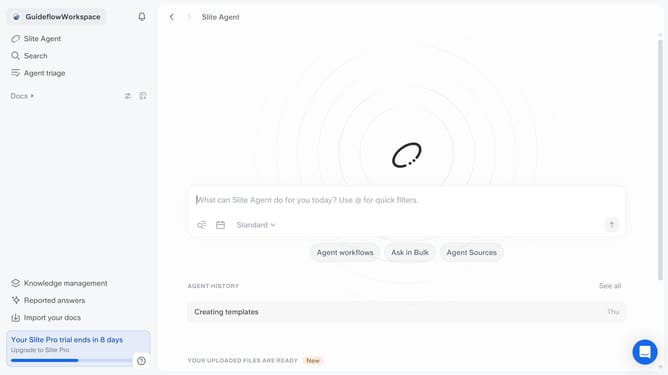
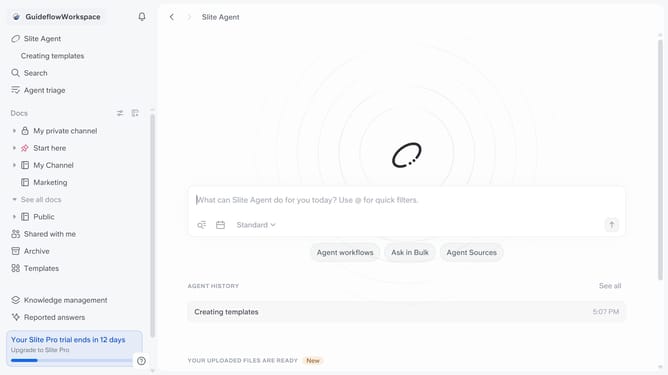
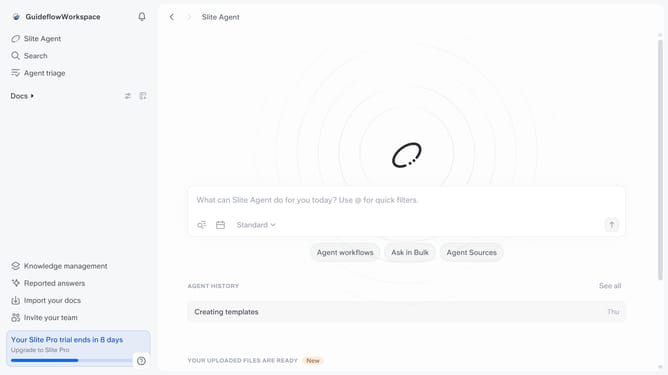
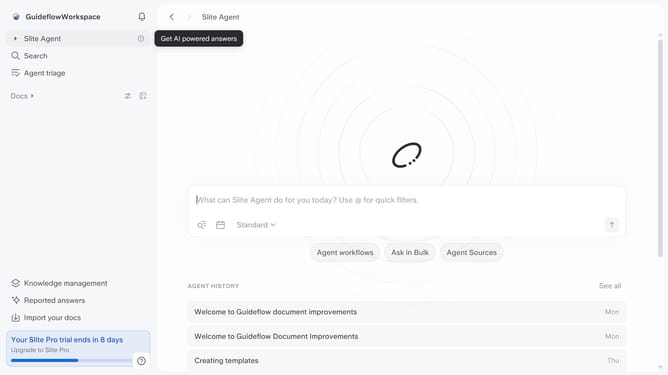
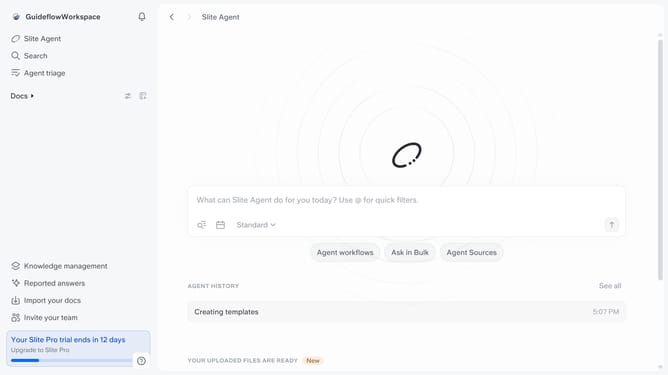
- First click on "Docs" in the left sidebar
- Then click on the document that you like to open
- Then click on the "Outdated" badge
- Finally click on "Clear Outdated status" option
Why should you How to clear a document's outdated status in Slite
Slite is a collaborative documentation tool designed to keep your team's knowledge organized and accessible.
Keeping your documents updated is crucial for maintaining accuracy and efficiency in team collaboration. Slite offers a feature to clear a document's outdated status, ensuring everyone works with the most current information.
By removing outdated statuses, you can reduce confusion and streamline your team's workflow. This feature promotes transparency and ensures that all team members are always on the same page, enhancing productivity and fostering better communication.
Last update