How to create a private channel in Slite
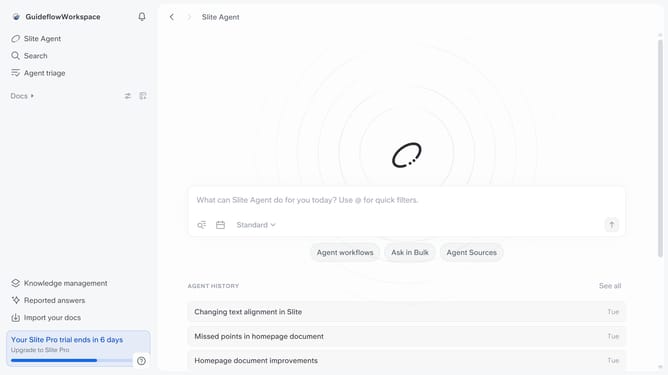
Here is how to create a private channel in slite
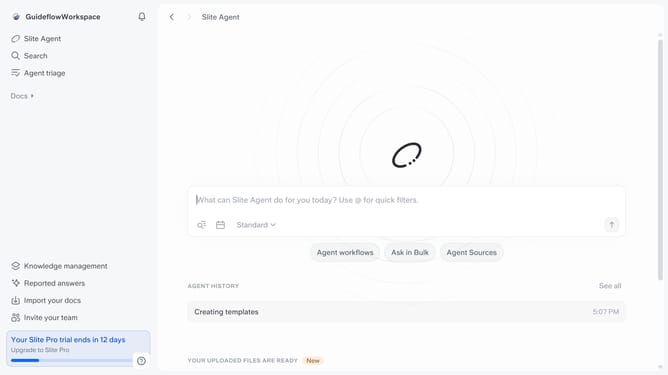
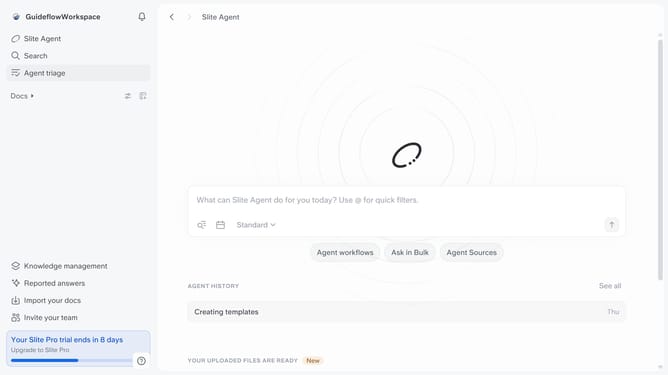
- First click on the "Create a channel" button in the sidebar
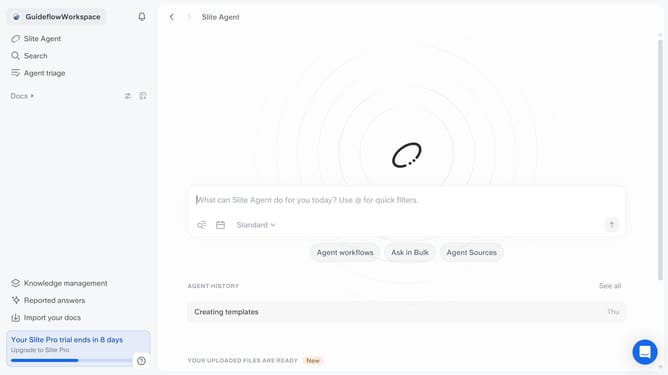
- Then click on the "Give your channel a name" input field and enter your channel name
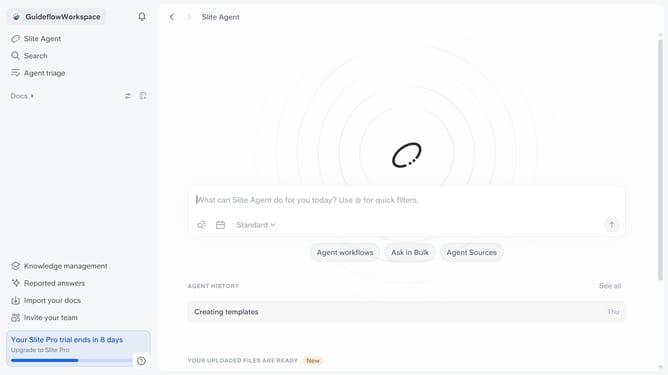
- Then click on the "Private" radio button
- Then click on the "Create channel" button
- Finally click on the "Done" button
Why should you How to create a private channel in Slite
Slite is a collaborative workspace designed to streamline team documentation and communication.
Creating a private channel in Slite allows teams to focus discussions and share sensitive information securely.
This feature enables you to tailor communication, ensuring that only specific team members have access, which promotes confidentiality and enhances workflow efficiency.
Using private channels fosters a more organized environment, reducing clutter and helping teams concentrate on what truly matters.
Last update