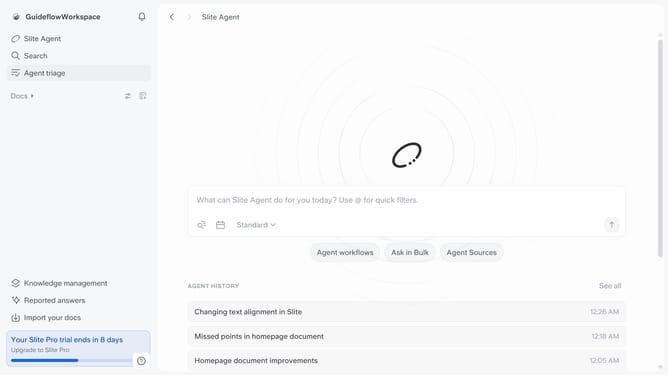
How to see editing history of a document in Slite
Here is how to see editing history of a document in slite
- First click on "Docs" item in the left sidebar
- Then click on the doc name that you want to open
- Then click on the information icon in the top menu
- Finally click on the "See editing history" button
Why should you How to see editing history of a document in Slite
Slite is a collaborative platform designed for teams to thoughtfully organize and share ideas with ease.
The ability to see the editing history in a document is one of Slite's standout features. This allows users to track changes over time, providing a transparent look at how documents evolve.
By viewing the editing history, teams can ensure accountability and maintain a clear record of contributions. It's a fantastic tool for understanding the decision-making process and can help in resolving any uncertainties about changes made.
This feature not only fosters collaboration but also supports a structured approach to content management, enhancing overall productivity.
Last update