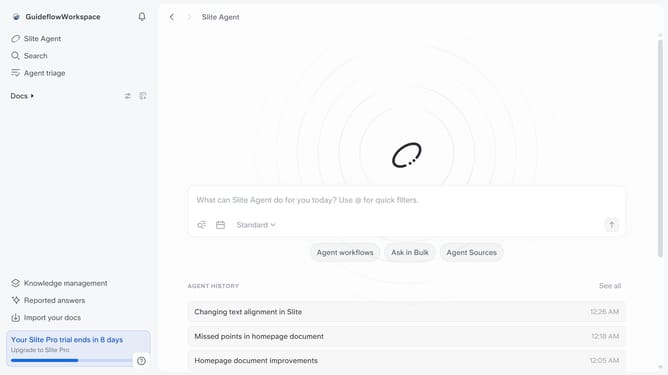
How to disable AI powered search in a document in Slite
Here is how to disable ai powered search in a document in slite
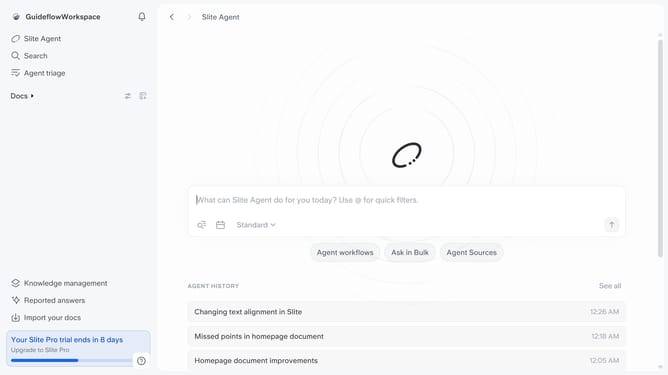
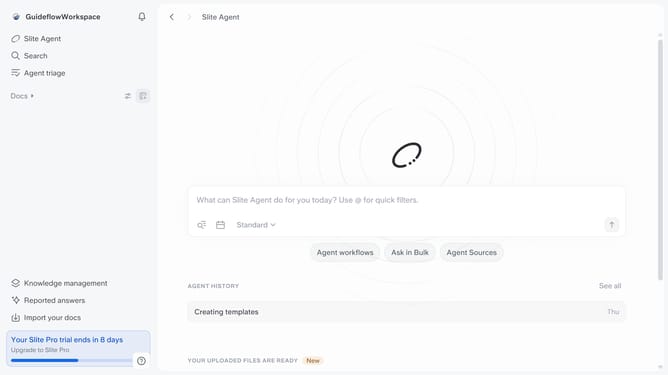
- First click on "Docs" item in the left sidebar
- Then click on the doc name that you want to open
- Next, click on the "Share" button in the top menu
- Finally toggle OFF the "Enable AI powered search" switch to disable it
Why should you How to disable AI powered search in a document in Slite
Slite is an intuitive tool designed to enhance team collaboration by simplifying document management and knowledge sharing.
Disabling AI-powered search in a document within Slite allows users greater control over their document interactions. This feature is beneficial for teams looking for a more tailored search experience, free from AI influence, ensuring searches align closely with their specific needs and preferences.
By opting out of AI-driven suggestions, users can maintain their focus on relevant content and reduce potential distractions. This can lead to more efficient information retrieval and a cleaner, more streamlined workflow.
Last update