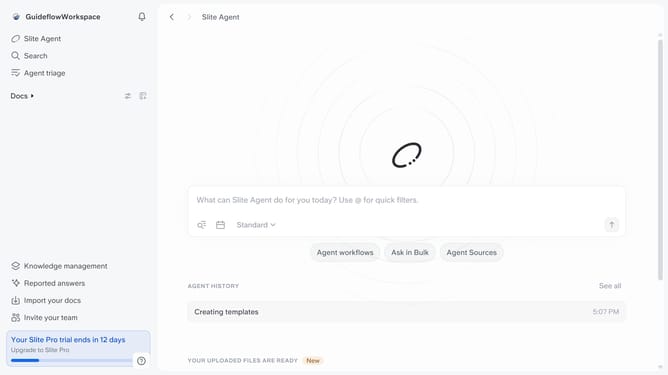
How to show duplication button in a document in Slite
Here is how to show duplication button in a document in slite
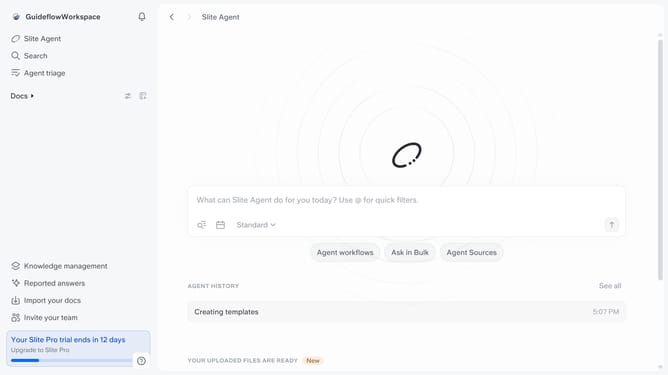
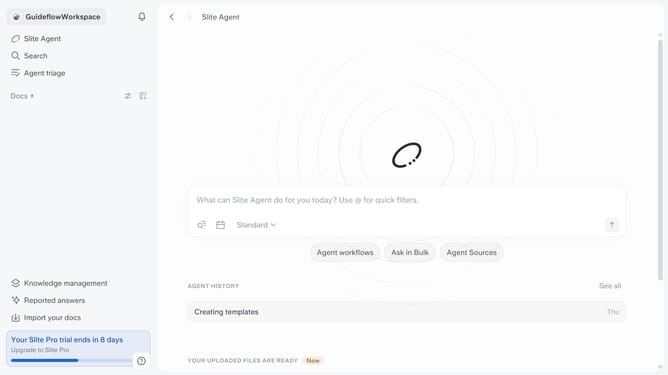
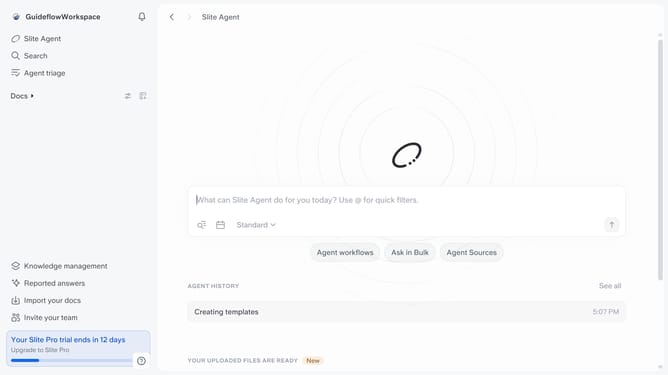
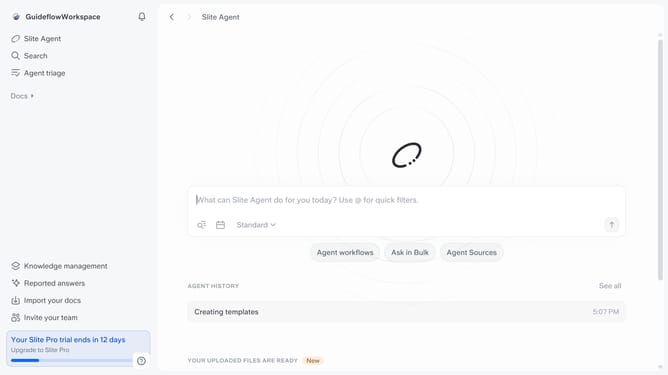
- First click on "Docs" item in the left sidebar
- Then click on the doc name that you want to open
- Next, click on the "Share" button in the top menu
- Finally toggle ON the "Show duplication button" switch to enable it
Why should you How to show duplication button in a document in Slite
Slite is a sleek, user-friendly tool designed to enhance team collaboration by streamlining documentation and communication.
The duplication button in a Slite document is a powerful feature that allows users to effortlessly replicate documents. This can be particularly beneficial for templates or recurring reports that require consistent formatting or content.
Using the duplication feature saves time by eliminating the need to recreate similar documents from scratch. It enhances productivity, ensuring that team members can focus on more strategic tasks while maintaining consistency across documents.
Last update