How to request for a document verification in Slite
Here is how to request for a document verification in slite
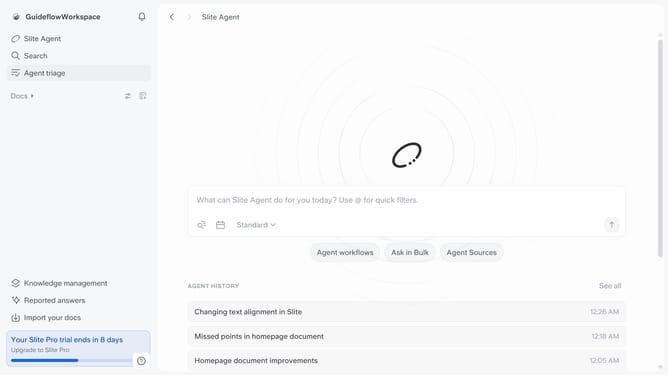
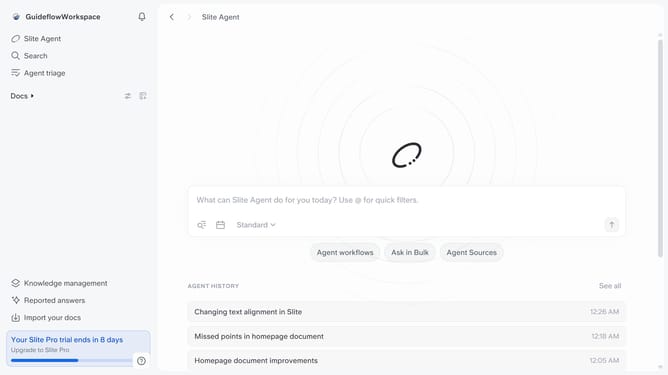
- First click on "Docs" item in the left sidebar
- Then click on the document that you like to open
- Click on "Verify this doc" button
- Then click on "Request verification" button
- Type in the text field your input for the reviewer
- Finally click on "Submit" button
Why should you How to request for a document verification in Slite
Slite is a collaborative knowledge management tool designed to streamline team communication and document organization.
One of Slite's standout features is its simple process for requesting document verification. This feature helps ensure that your team's documents are accurate and trustworthy, facilitating confident decision-making.
Using Slite’s document verification process fosters accountability and enhances transparency within your team. It encourages a culture of trust, where all team members can rely on consistently verified information.
The ease of requesting document validation in Slite boosts productivity by reducing the time spent on clarifying documents and allows teams to focus on their core tasks.
Last update