How to replace text on a Miro board
Here is how to replace text on a miro board
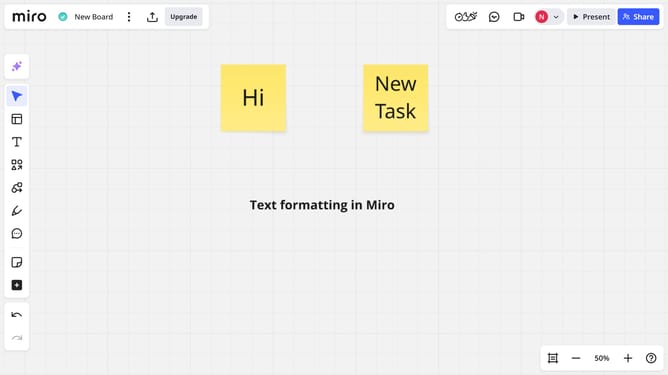
- First open your board and locate the text you want to replace
- Then double-click the text box and type the new text directly
- Finally once you're done, click outside the text box to apply your changes
Why should you replace text on a Miro board
Miro is a versatile online collaborative whiteboard platform allowing teams to unleash creativity and brainstorm effortlessly.
One handy feature in Miro is the ability to replace text effortlessly on a board. This feature allows users to quickly update information without disrupting the flow of collaboration.
Using this feature saves time and maintains the clarity and consistency of the board, ensuring that everyone stays on the same page during dynamic discussions and idea sharing. By enhancing efficiency, it helps foster a more productive and engaging collaborative environment.
Last update