How to change the text size on a Miro board
Here is how to change the text size on a miro board
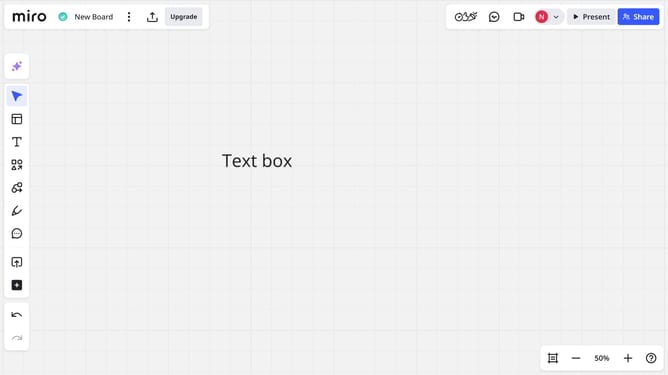
- First open your board and locate the text you want to change the size
- Then, in the toolbar, locate and click the font size arrows to increase or decrease the size
- Alternatively, click the font size field and enter a custom value
- The text will update immediately to reflect the new size
Why should you change the text size on a Miro board
Miro is a dynamic online collaboration tool designed to bring teams together in a versatile digital workspace.
An essential feature in Miro is the ability to easily change text size on a board. This flexibility allows users to emphasize key points and detail important information, creating a visually balanced board.
Adjusting text size enhances the clarity and readability of your presentations, making it easier for team members to focus on what's important, facilitating more effective communication and collaboration.
Last update