How to use undo and redo options in a Miro board
Here is how to use undo and redo options in a miro board
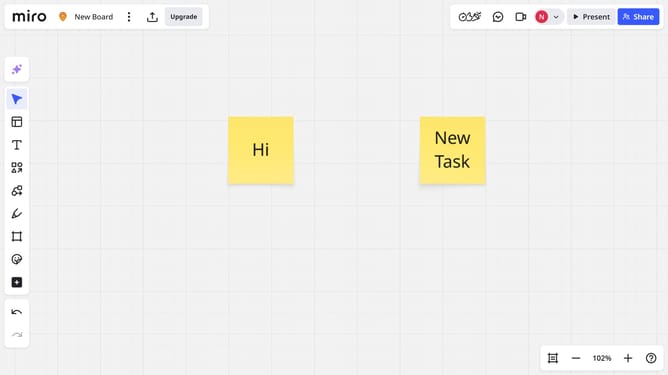
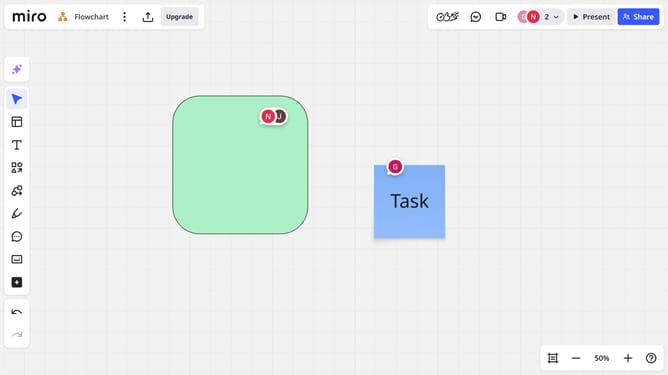
- To undo your last action on the board, press Ctrl + Z (Windows) or Cmd + Z (Mac)
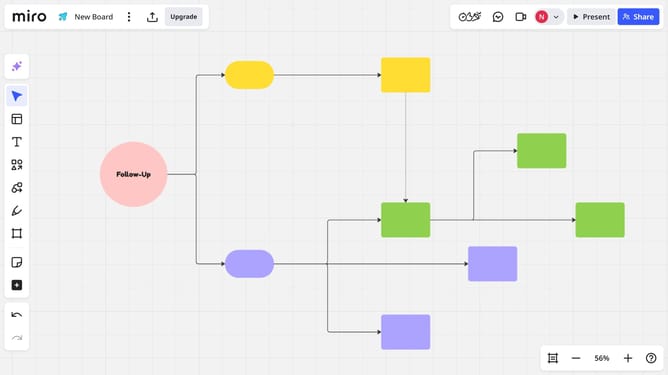
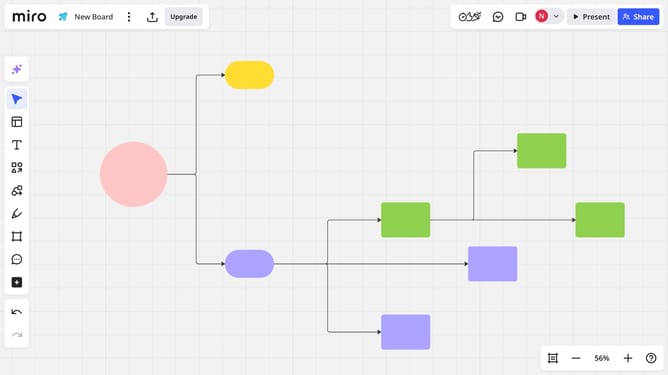
- Alternatively, you can click the "Undo" button at the bottom of the left sidebar
- The last action has now been undone. To redo that action, press Ctrl + Y or Ctrl + Shift + Z (Windows), or Cmd + Shift + Z (Mac)
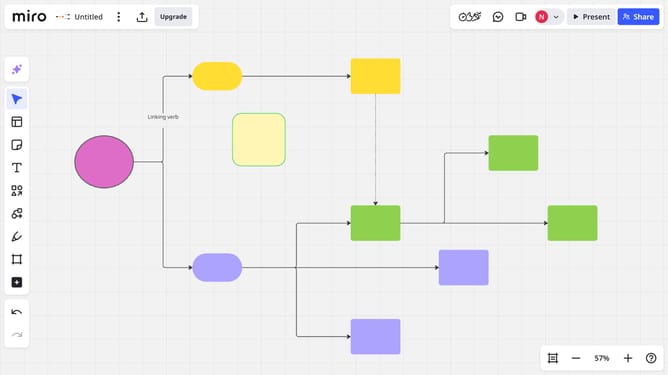
- To redo that action, press Ctrl + Y or Ctrl + Shift + Z (Windows), or Cmd + Shift + Z (Mac)
- You can undo or redo multiple steps by clicking the buttons or using the shortcuts repeatedly
Why should you use undo and redo options in a Miro board
Miro is a dynamic online collaboration tool designed to facilitate seamless teamwork and brainstorming.
The Undo and Redo options in a Miro board are powerful features that enhance flexibility and confidence as you work. They allow you to swiftly correct mistakes or iteratively refine your ideas without the anxiety of irreversible changes.
Using these options promotes a smooth and stress-free creative process, enabling teams to focus on innovation and productivity while minimizing disruptions.
Last update