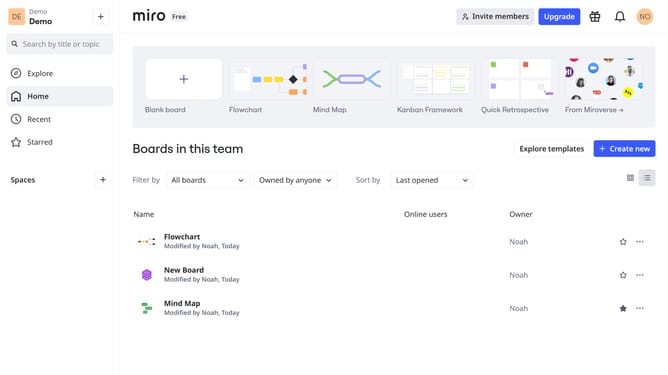
How to create a Miro board from the dashboard
Here is how to create a miro board from the dashboard
- First go to your dashboard
- Then click "Create New"
- Next click "Board" from the menu
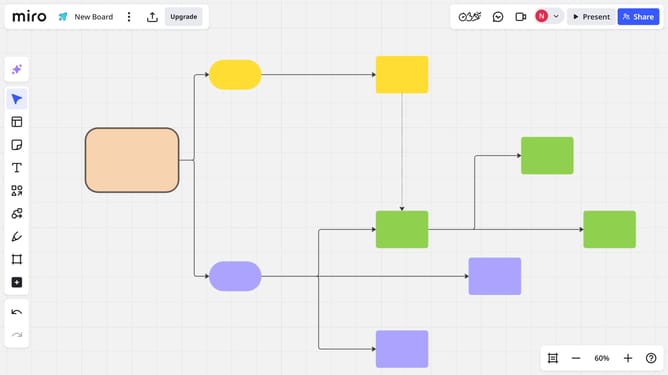
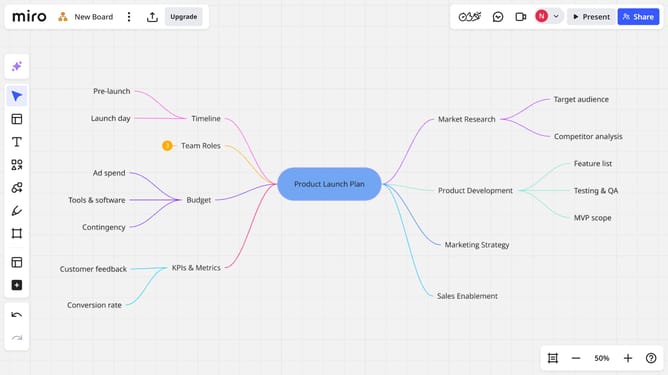
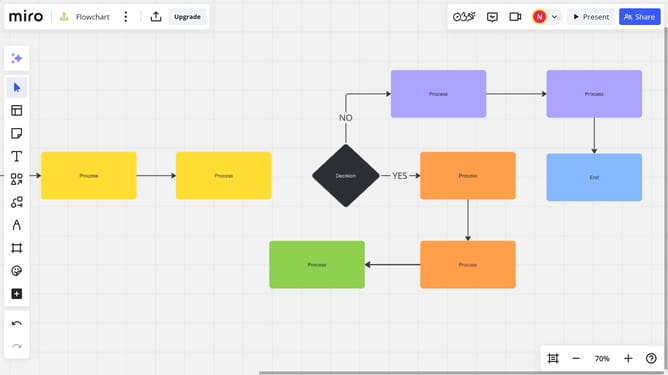
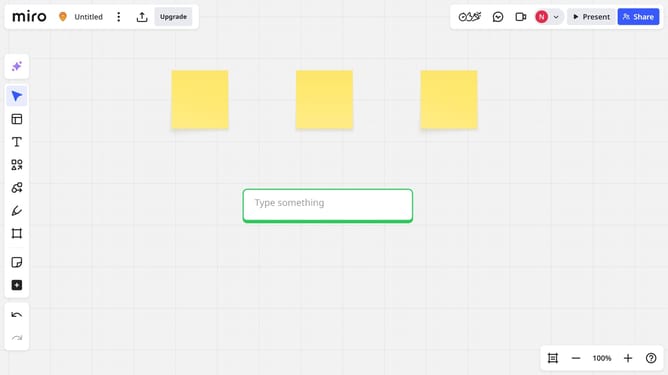
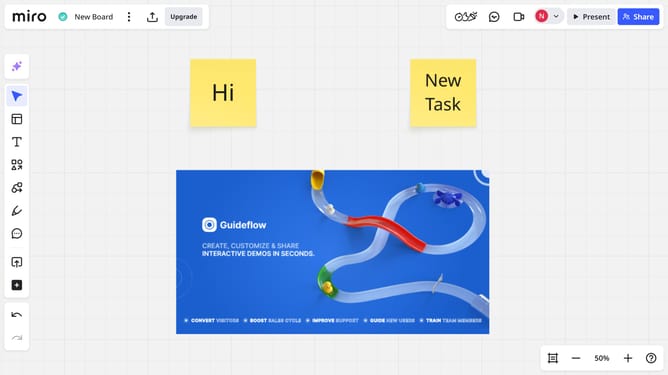
- The new board will open automatically. You’ve successfully created a Miro board from the dashboard
Why should you create a Miro board from the dashboard
Miro is a dynamic online collaboration tool designed to streamline team brainstorming and project management.
From the dashboard, effortlessly create a new Miro board to kickstart your collaborative process. This feature brings simplicity and speed, allowing users to initiate projects with ease.
Using the dashboard to create a Miro board enhances team efficiency by providing a centralized platform for ideas to converge, enabling seamless and interactive planning sessions.
Engage participants instantly, promoting creativity and productivity through an intuitive and accessible interface.
Last update