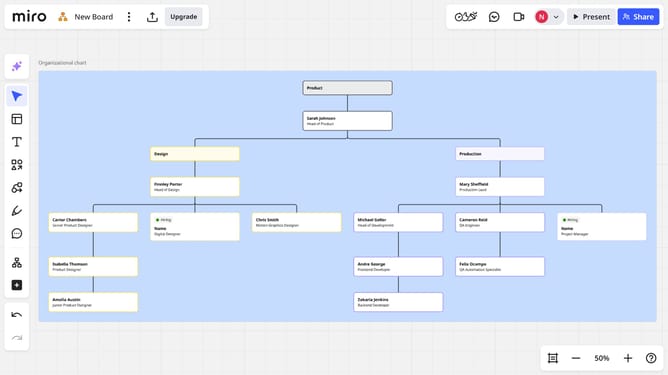
How to duplicate a board in Miro
Here is how to duplicate a board in miro
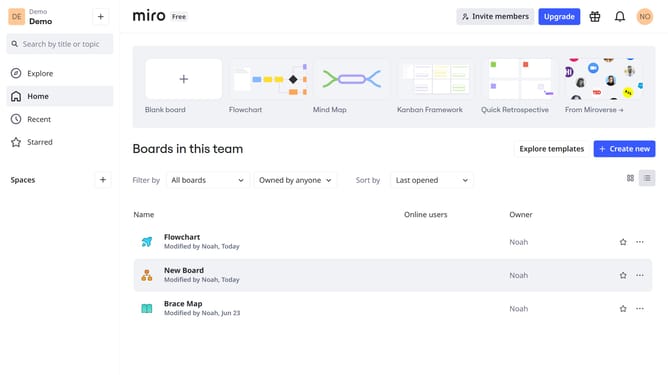
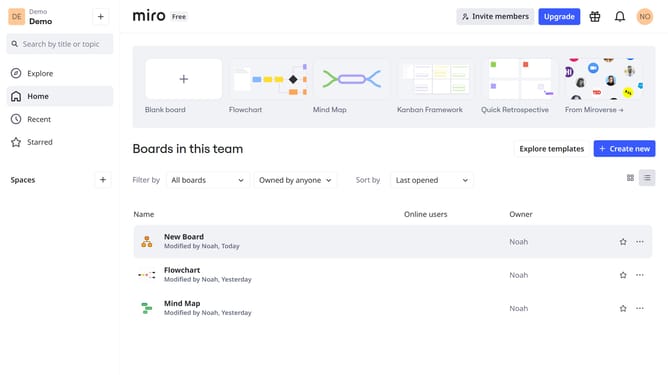
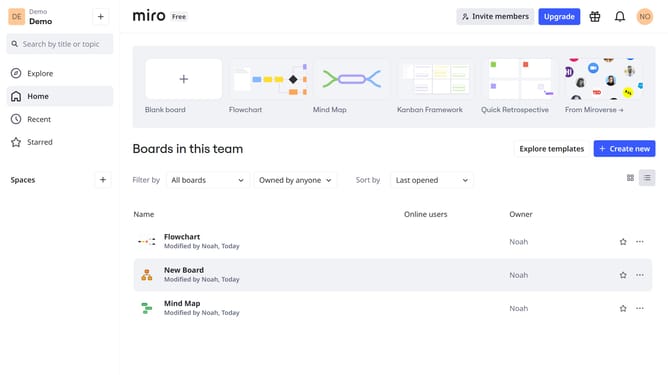
- First locate the board you want to duplicate in the board list
- Next click on the "More options" menu (three dots) next to the board
- Click on "Duplicate" option in the dropdown menu
- Then enter a name for the duplicated board in the name field
- Next click on "Share it with the same people" checkbox to keep the same sharing settings
- Finally click on the "Copy" button to confirm
Why should you duplicate a board in Miro
Miro is a dynamic online collaboration platform that empowers teams to brainstorm and visualize ideas seamlessly.
Duplicating a board in Miro is a straightforward feature that enhances productivity by allowing users to create an exact replica of an existing board. This is particularly beneficial when working on similar projects or when different teams need access to the same framework for consistency.
By duplicating a board, you save time and maintain uniformity, ensuring everyone remains aligned with the shared objectives without reinventing the wheel.
It facilitates better collaboration, allowing team members to build upon established ideas while swiftly adapting to new requirements.
Last update