How to create a mind map in a Miro board
Here is how to create a mind map in a miro board
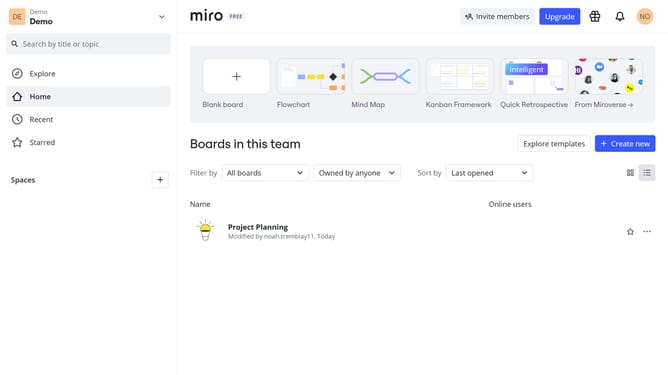
- First locate and click the board where you want to create the mind map
- Next click the "+" button in the left sidebar menu to open the tools panel
- Click on the search box and type "Mind map"
- Then click on the "Mind map" option from the search result
- Now click anywhere on the board to place the central (root) node
- Alternatively, you can select a template from the templates section
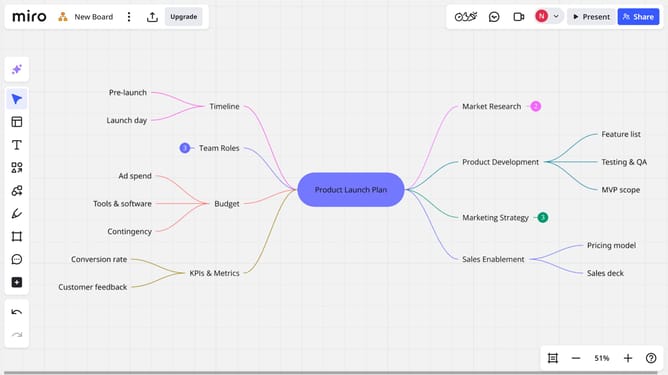
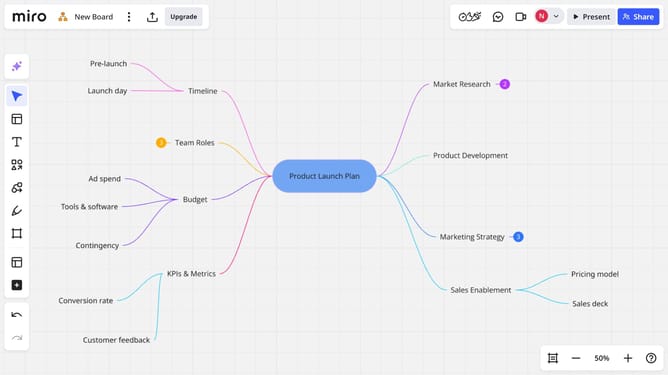
- The mind map has now been added to your board
- Then type your main topic into the central (root) node, then press "Enter" to confirm
- Next, add child and sibling nodes as needed to expand your structure
- Finally, use the toolbar to customize the font, colors, and layout of your nodes
Why should you create a mind map in a Miro board
Miro is an intuitive online collaborative whiteboard that enhances team brainstorming and planning.
Creating a mind map in a Miro board is an innovative way to visualize ideas, revealing connections and sparking creativity.
By organizing concepts visually, teams can enhance understanding and retention, paving the way for effective communication and collaboration.
Utilizing Miro's easy-to-use tools can boost productivity and streamline the ideation process, allowing for seamless integration of diverse thoughts into one coherent map.
Last update