How to export a mind map as an image in a Miro board
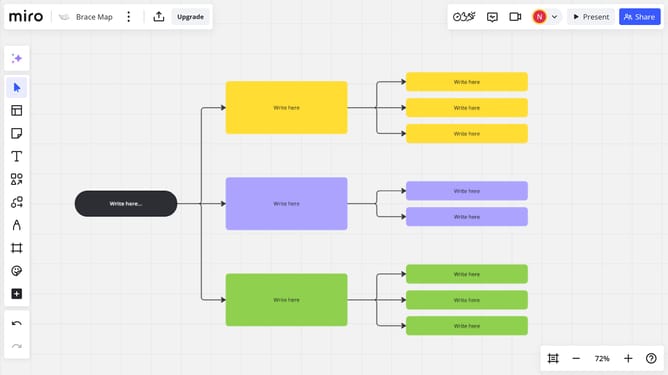
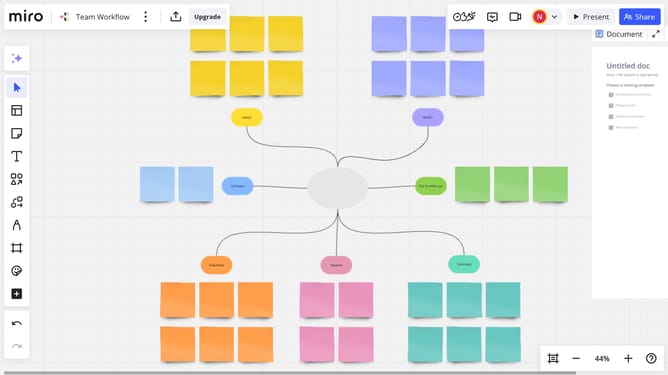
Here is how to export a mind map as an image in a miro board
- First open your Miro board and click the "Export this board" icon. You do not need to have anything selected
- Next click on "Save as image" option in the export dropdown menu
- Use the drag handles to select your mind map
- Then choose the size you want in the Export dialog as needed
- Finally click the "Export" button to save the image file to your device
- The file will be saved to your local hard drive with the name of your board as the filename
Why should you export a mind map as an image in a Miro board
Miro is a versatile online collaboration tool designed to foster creativity and enhance teamwork.
The ability to export a mind map as an image in a Miro board is a powerful feature that enhances both presentation flexibility and accessibility. Transforming complex ideas into a single image makes it easier to share insights with stakeholders who may not have direct access to the board.
This feature is particularly beneficial for teams needing to showcase their brainstorming outcomes in meetings, reports, or presentations, ensuring greater understanding and engagement from any audience.
Last update