How to duplicate a Miro board
Here is how to duplicate a miro board
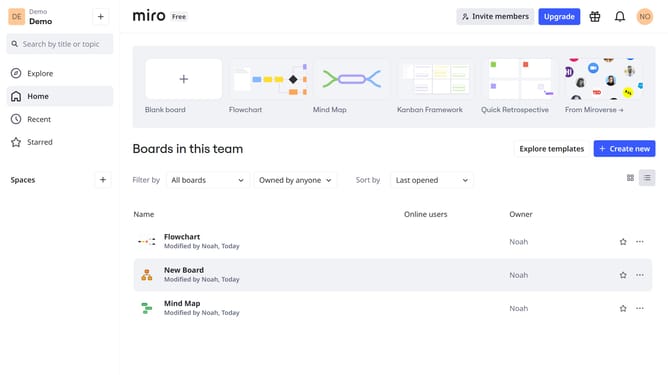
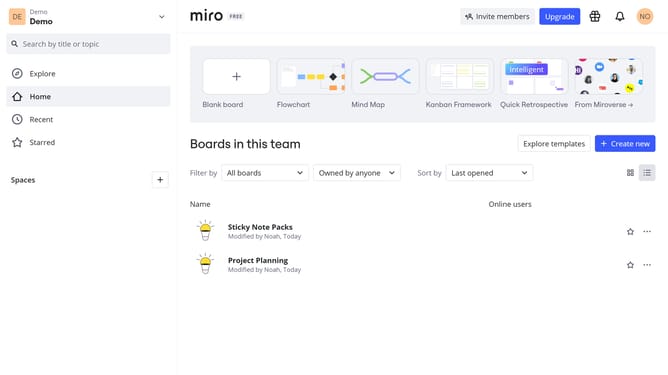
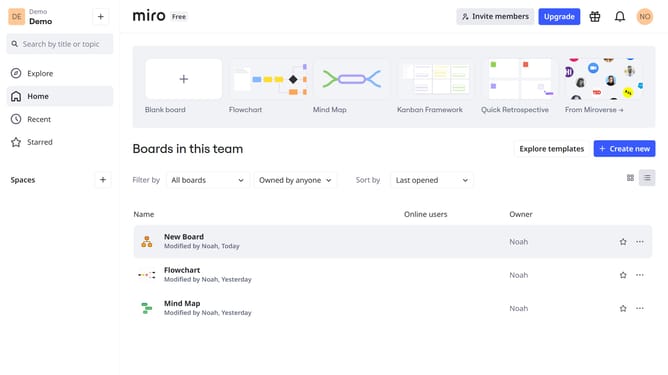
- First, go to your dashboard
- Then, find the board you want to duplicate and click the three dots (...)
- Next in the dropdown menu, click on the "Duplicate" option
- In the popup dialog, you can name the duplicated board
- Finally, click "Copy" to confirm board duplication
- You’ve successfully duplicated your Miro board
Why should you duplicate a Miro board
Miro is a versatile online collaborative whiteboard that enhances teamwork and creativity.
The ability to duplicate a Miro board is a powerful feature that significantly boosts productivity. Users can swiftly recreate an entire board, preserving its structure and content for repeated use.
This feature is particularly beneficial for teams that work with templates, consistently revisiting specific layouts for brainstorming, project planning, or workshops.
Duplicating a board ensures consistency, saves time, and facilitates seamless transitions between projects, making collaboration smoother and more efficient.
Last update