How to create a Miro board from the browser address bar
Here is how to create a miro board from the browser address bar
- First, log in to your Miro account and go to your "browser's address bar"
- Then type "miro.new" in the browser address bar
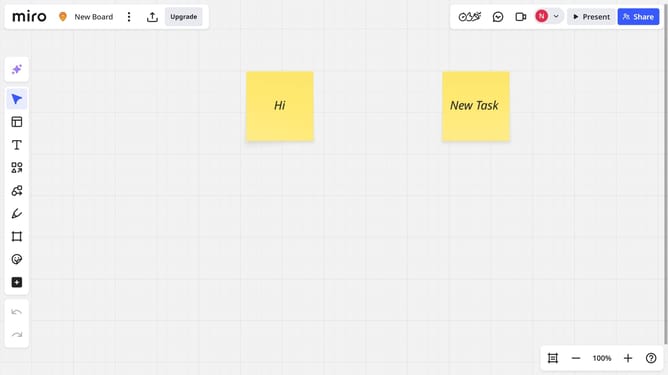
- The new board will automatically open. You’ve successfully created a Miro board from the browser address bar
- Click on the "Untitled" text in the top header to rename the board
- Type the name you want for the board
- Your change has been successfully saved
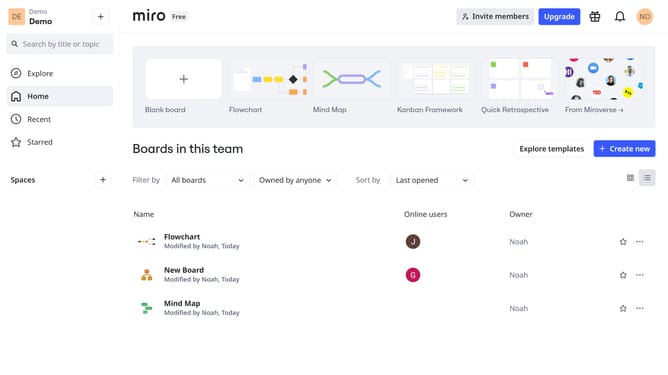
- Go to your dashboard, and you will see that your new board is listed, confirming it has been created
Why should you create a Miro board from the browser address bar
Miro is an innovative online platform designed for collaborative teamwork and visual brainstorming.
With Miro, you can now create a board directly from the browser address bar, streamlining your creative workflow. This feature offers a quick way to jump-start your brainstorming sessions, making idea-generation more seamless than ever.
Having the ability to instantly open a Miro board from your browser means less time navigating interfaces and more time focusing on what truly matters: collaboration and creativity. It's a small change that can lead to big improvements in productivity.
Last update