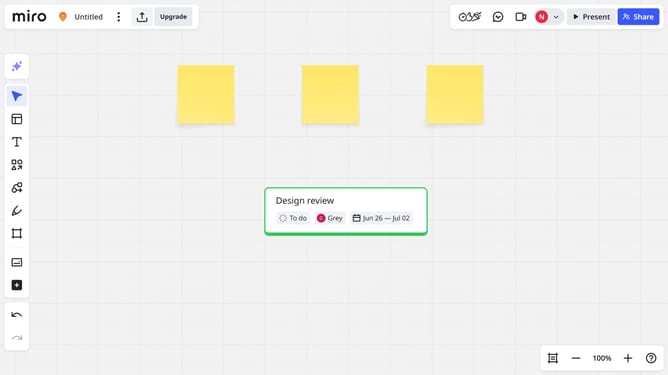
How to edit part of a text line on a Miro board
Here is how to edit part of a text line on a miro board
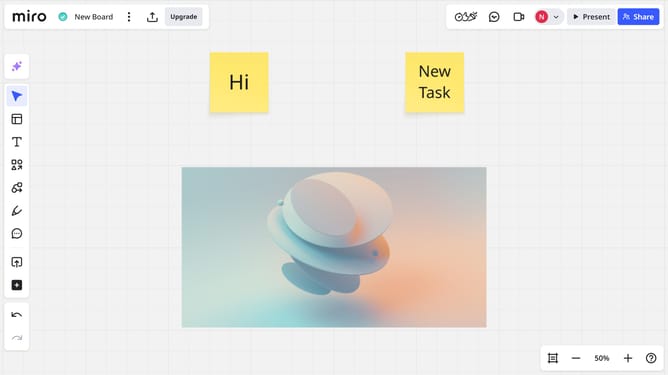
- First locate the text box you want to edit in your board
- Next double-click the text box to activate the text editing mode
- Then highlight the specific part of the text line you want to edit
- Finally start editing the text by using the toolbar to apply formatting (e.g., bold, italic, underline, color)
Why should you edit part of a text line on a Miro board
Miro is an intuitive online platform designed to facilitate seamless collaboration and brainstorming.
The ability to edit part of a text line on a Miro board enhances flexibility and precision in content manipulation.
This feature allows users to refine specific sections of text effortlessly, ensuring clarity and coherence in their collaborative projects.
By focusing on the most relevant parts of text, teams can maintain a dynamic workflow, making edits quickly and efficiently without disrupting the broader context.
Last update