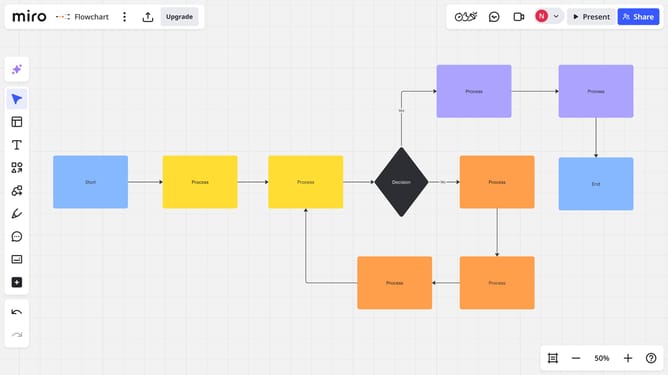
How to open the Comments panel on a Miro board
Here is how to open the comments panel on a miro board
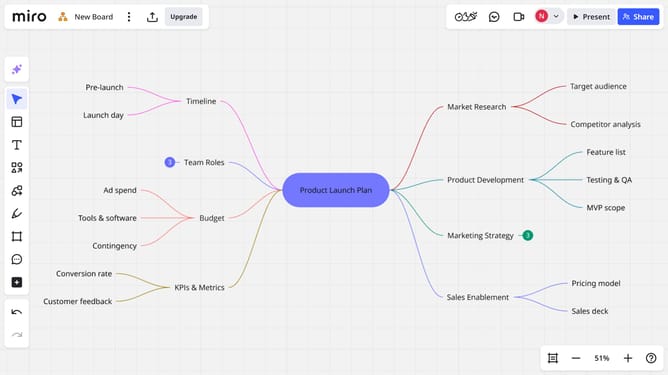
- First open your board and click on the "Activity" button in the top right toolbar
- Then the Comments panel will appear, showing all comments on the board
Why should you open the Comments panel on a Miro board
Miro is a dynamic online collaborative platform designed to inspire and enhance team collaboration and brainstorming.
One of its standout features is the ability to easily open the Comments panel on a Miro board. This feature empowers users to communicate seamlessly by enabling conversations directly within the context of shared projects.
By accessing the Comments panel, team members can provide instant feedback, foster collaborative discussions, and ensure clarity of ideas, all in real-time. This results in a more effective, efficient, and harmonious workflow.
Last update