How to export sticky notes from a Miro board
Here is how to export sticky notes from a miro board
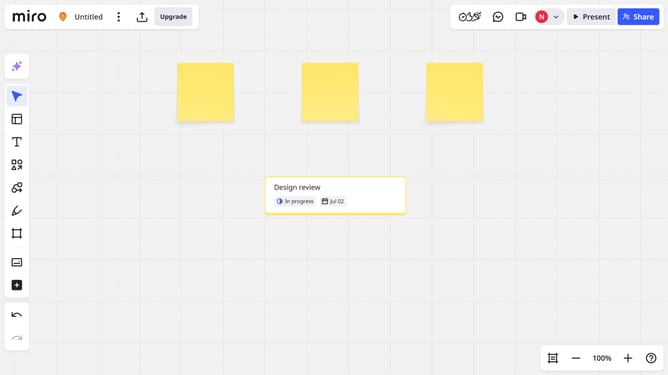
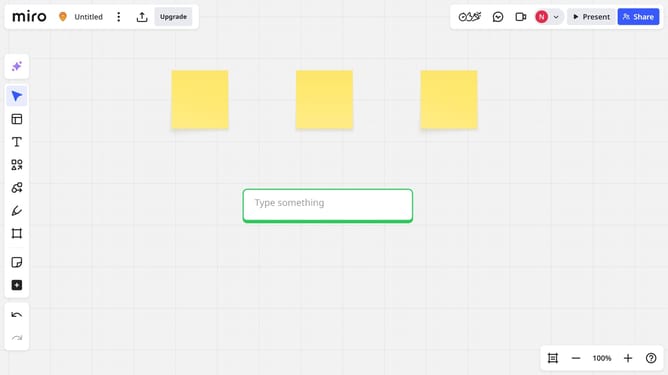
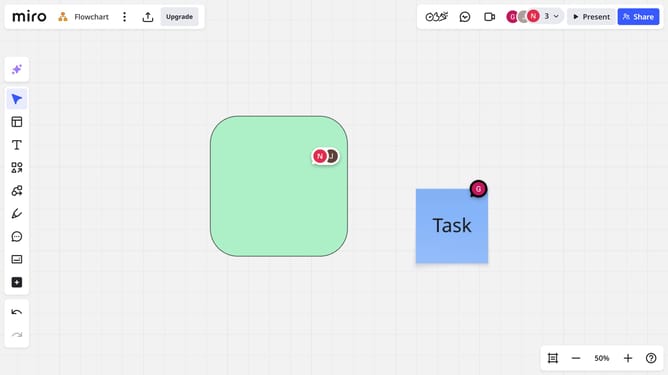
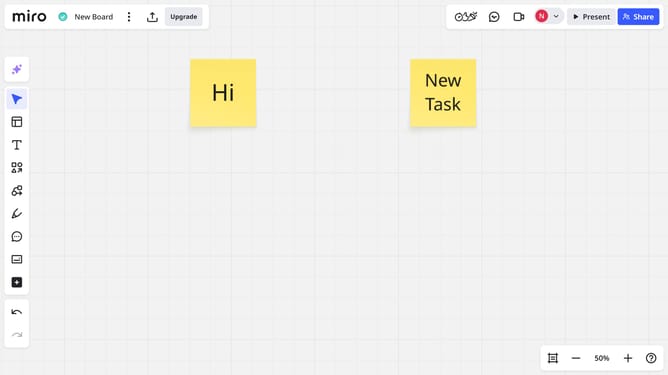
- First locate the sticky notes you want to export
- Next, select the them by clicking and dragging to draw a selection box around them
- Then click on the "Export" icon in the top header bar
- Finally click on "Export to spreadsheet (CSV)" option in the export dropdown menu
- Miro will generate a CSV file containing all card data, which will be automatically downloaded to your device
Why should you export sticky notes from a Miro board
Miro is a versatile online collaboration platform designed to help teams brainstorm and visualize ideas.
One standout feature is the ability to export sticky notes from a Miro board. This streamlines the process of sharing insights and ideas across different platforms or team settings, making collaboration smoother and more efficient.
Exporting sticky notes ensures that key information is preserved and easily accessible, enhancing productivity and ensuring continuity in projects.
Last update