How to invite users to a board using a public link on Miro
Here is how to invite users to a board using a public link on miro
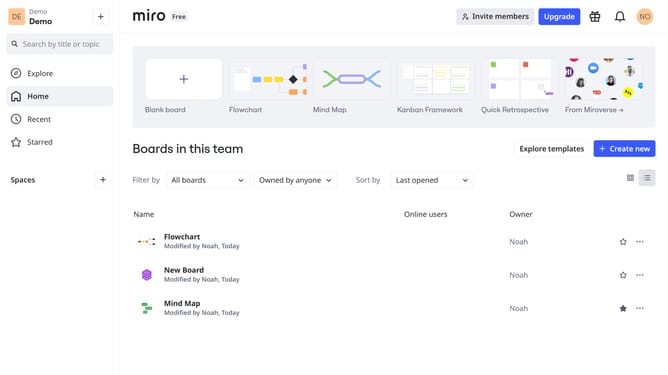
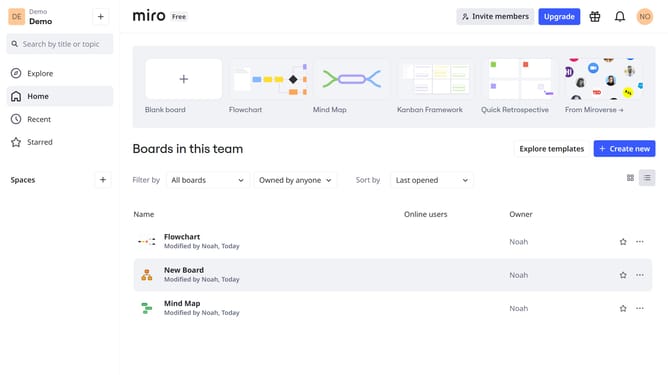
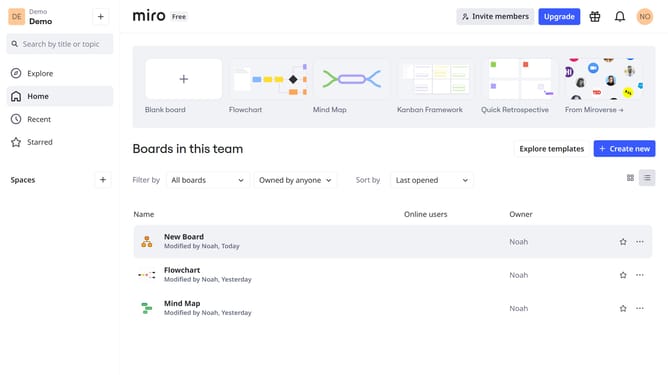
- First, go to your dashboard
- Then, find the board you want to share and click the three dots (...) next to it
- Then click "Share" in the dropdown menu
- In the Share settings, locate the "Anyone with the link" section
- Next click the access dropdown and choose the desired permission level
- Click on " Copy Board URL" to copy the public board link
- Share the link via email, chat, or any platform. Anyone with it can access the board based on the selected permission level
Why should you invite users to a board using a public link on Miro
Miro is an innovative online collaborative platform designed to enhance team brainstorming and project planning.
Inviting users to a board using a public link on Miro streamlines collaboration by eliminating the need for personal invitations. This feature allows teams to quickly and efficiently include new participants, facilitating immediate access to shared workspaces.
Utilizing a public link enhances flexibility and accessibility, ensuring that collaborative efforts are seamless and inclusive, fostering a truly dynamic and interactive environment for all team members involved.
Last update