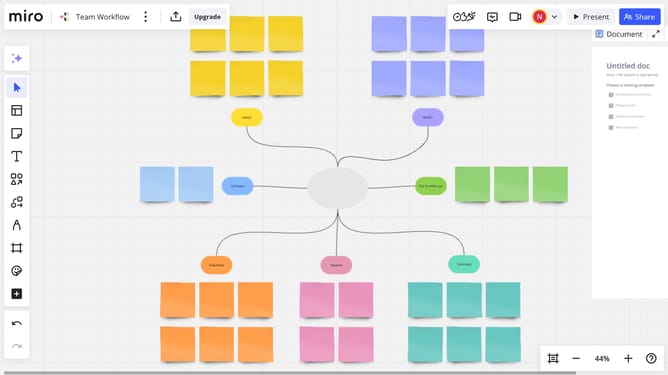
How to follow all comment threads on a Miro board
Here is how to follow all comment threads on a miro board
- First open your board and click on the three dots menu button in the top navigation bar
- Next click on the "Preferences" option in the dropdown menu
- Then look for the "Follow all threads" option in the preferences submenu
- Finally, toggle the “Follow all threads” switch to enable it and receive notifications for all new comments or replies on the board
Why should you follow all comment threads on a Miro board
Miro is a versatile online collaboration tool designed to transform the way teams work together visually.
The feature to follow all comment threads on a Miro board boosts team communication by allowing users to stay updated on every conversation simply and seamlessly. This ensures you never miss any critical feedback or revisions on your collaborative projects.
Using this feature keeps your team synchronized, removing the hassle of sifting through multiple discussions. It enhances efficiency and ensures everyone stays informed, driving more effective teamwork and project success.
Last update