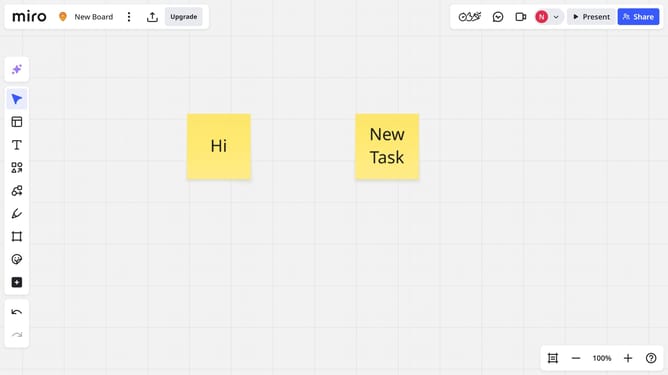
How to follow a specific comment thread on a Miro board
Here is how to follow a specific comment thread on a miro board
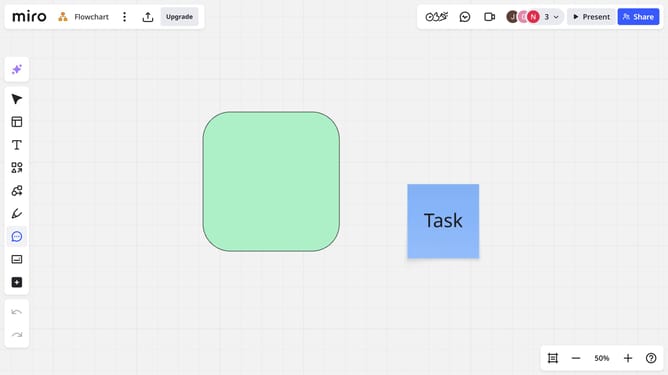
- First open your board and click on the comment you want to follow to open it
- Then click on the "Follow thread" icon in the top-right corner of the comment thread
- You will now receive updates and notifications whenever there are new replies in that comment thread
Why should you follow a specific comment thread on a Miro board
Miro is a dynamic online collaboration platform designed to enable teams to brainstorm, design, and create together seamlessly.
Following a specific comment thread on a Miro board helps maintain focus on discussions critical to your project's progress.
This feature ensures you don't miss important updates or participant insights, streamlining communication and decision-making.
By staying engaged with relevant conversations, you boost productivity, keep on track with project developments, and enhance collaboration efficiency.
Last update