How to show collaborators’ cursors on a Miro board
Here is how to show collaborators’ cursors on a miro board
- First open your board and click on the three dots menu in the top navigation bar
- Then click on the "View" option in the dropdown menu
- Finally look for the option "Show collaborators’ cursors" in the View submenu and toggle it on
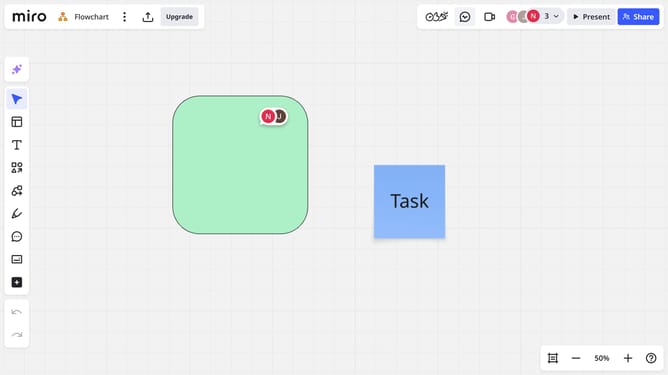
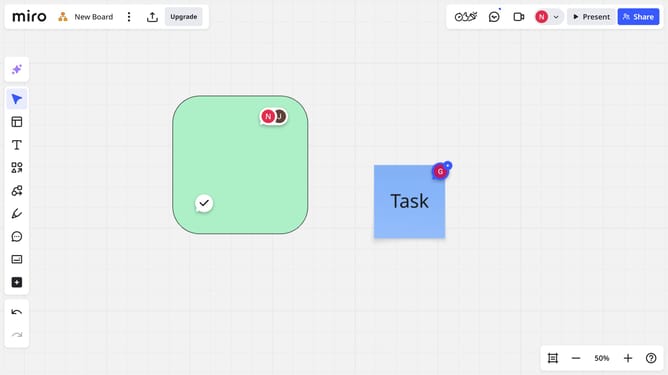
- Now you’ll see colored cursors and names of collaborators as they move on the board
Why should you show collaborators’ cursors on a Miro board
Miro is a versatile online collaboration tool designed to facilitate seamless teamwork through interactive whiteboards.
One standout feature is the ability to show collaborators’ cursors on a Miro board, offering real-time insights into team activity.
By visualizing each participant’s cursor, teams can enhance communication and align their focus, improving overall efficiency.
This feature fosters a sense of connection, ensuring everyone remains on the same page, boosting both productivity and engagement.
Last update