How to add a URL to a node in a Miro mind map
Here is how to add a url to a node in a miro mind map
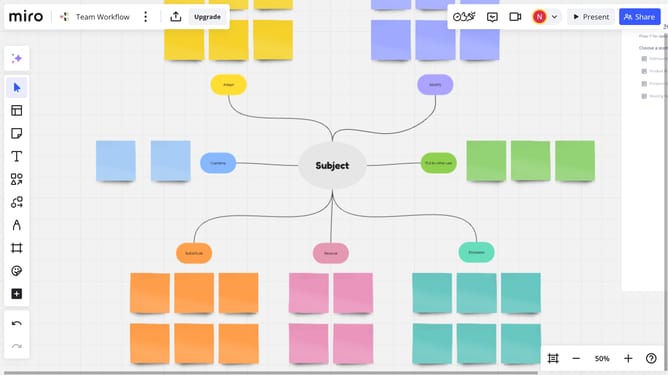
- First open your Miro board, locate the mind map and click on the node where you want to add the URL
- Next click on the "Link" icon in the toolbar that appears
- Then in the input field that appears, paste or type your URL
- Finally click the "Apply" button to add the link to the node
- The node will now be clickable and open the URL in a new tab when selected.
Why should you add a URL to a node in a Miro mind map
Miro is a versatile digital platform designed to foster creativity and collaboration through intuitive visual tools.
Adding a URL to a node in a Miro mind map is a seamless way to enrich your brainstorming sessions. This feature enables you to link important web resources directly to your ideas, creating a more interactive and resourceful map.
By embedding URLs, you facilitate easy access to external information, ensuring that crucial references are always at hand. This enhances collaboration among team members, as everyone can quickly access the same resources.
Ultimately, integrating URLs into your Miro mind map streamlines the process of consolidating knowledge, promoting a more comprehensive understanding of the project at hand.
Last update