How to create an organizational chart in a Miro board
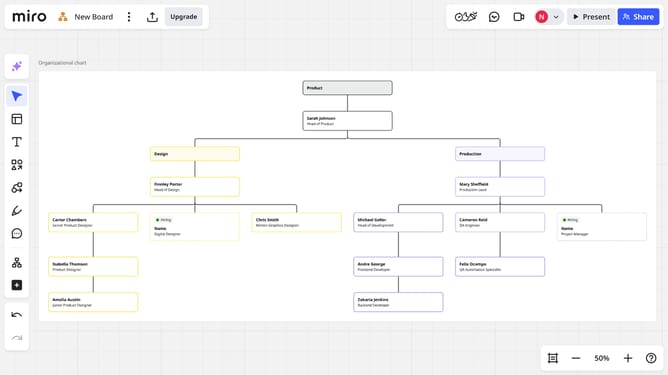
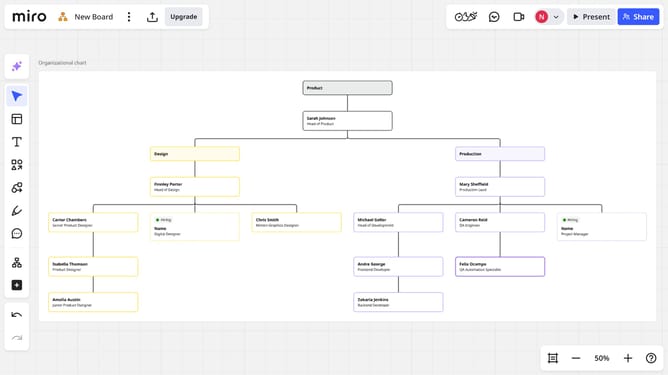
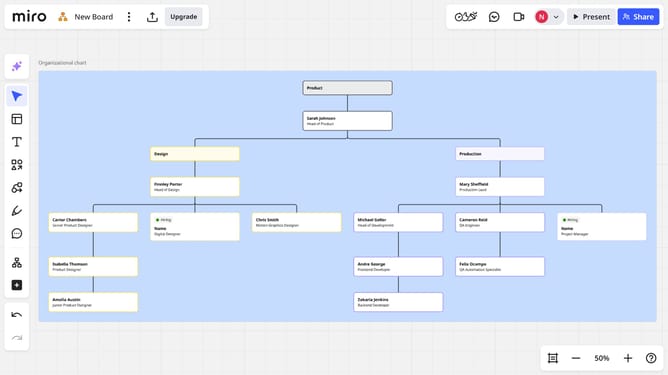
Here is how to create an organizational chart in a miro board
- First open the Miro board where you want to create the organizational chart
- Then click on the "+" button in the left sidebar menu
- Next click in the search box and type "Org chart"
- Click on "Org chart" option in the search results
- Then click the “Import CSV” button to upload your organizational data. Miro will automatically process the file and generate the corresponding org chart structure
- Alternatively, double-click any card to manually enter details such as name, role, team, and description
Why should you create an organizational chart in a Miro board
Miro is an intuitive online whiteboard platform designed for seamless collaboration and creativity.
Creating an organizational chart in a Miro board is straightforward, offering a visual representation of company hierarchy and team structure.
This feature highlights roles, reporting lines, and collaboration pathways, which fosters clear communication.
Using a Miro board for this purpose enhances team understanding, aligns goals, and streamlines workflows, leading to increased productivity.
Last update