How to delete a card from an org chart in a Miro board
Here is how to delete a card from an org chart in a miro board
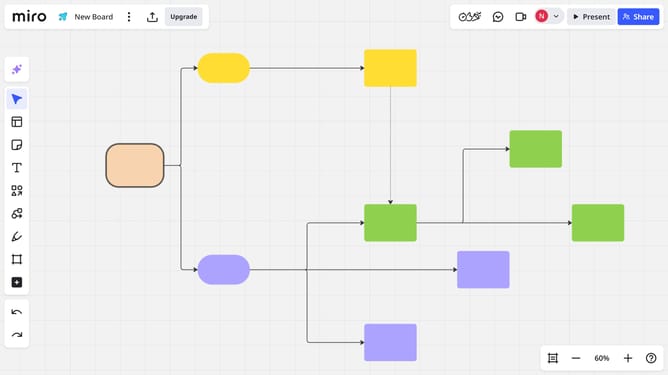
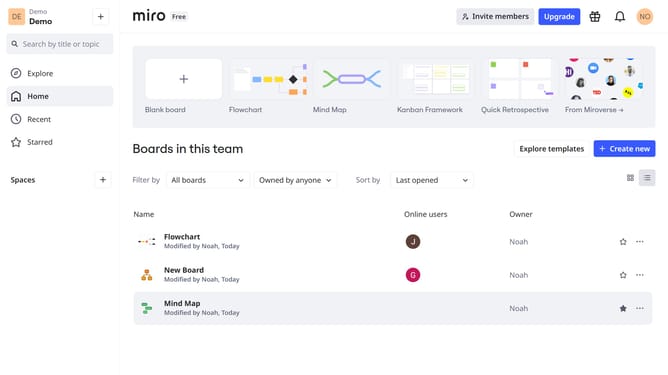
- First, navigate to the Miro board that contains the organizational chart
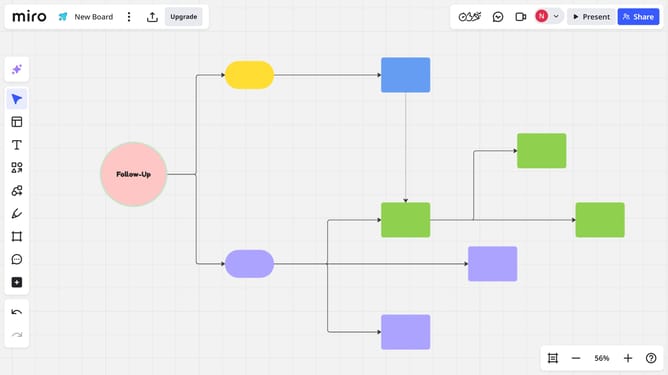
- Then, select the card you want to delete and press "Delete" on your keyboard
- Alternatively, click the “More options” (three dots) icon in the toolbar above the card
- Finally, click "Delete" from the dropdown menu to delete the card
Why should you delete a card from an org chart in a Miro board
Miro is an innovative online collaborative whiteboard platform designed to make teamwork seamless and creative.
One vital feature is the ability to delete a card from an org chart effortlessly. This feature helps maintain up-to-date and accurate organizational structures, eliminating outdated information.
Using it ensures your team has a clear and current view of hierarchy and roles, enhancing communication and workflow efficiency.
Overall, it keeps your Miro boards streamlined and focused.
Last update