How to convert a shape into another object in a Miro board
Here is how to convert a shape into another object in a miro board
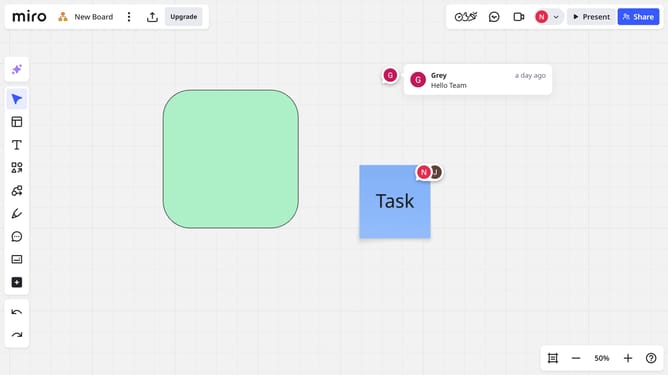
- First locate and select the shape you want to convert by clicking on it
- Next click on the "Switch type" button in the toolbar that appears
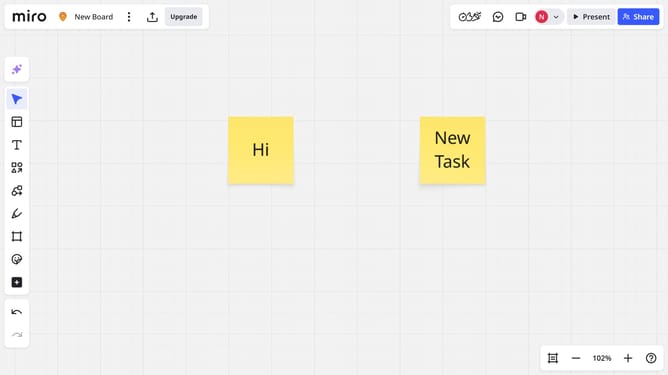
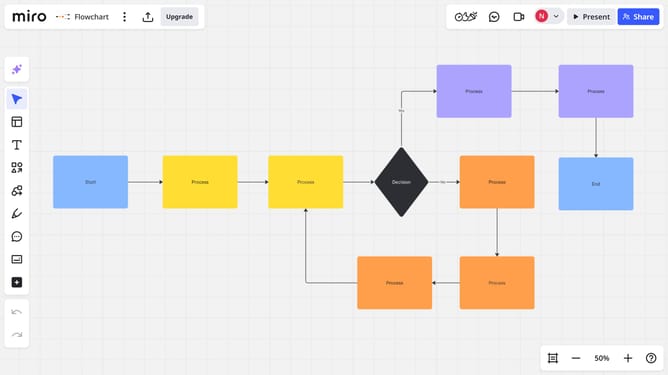
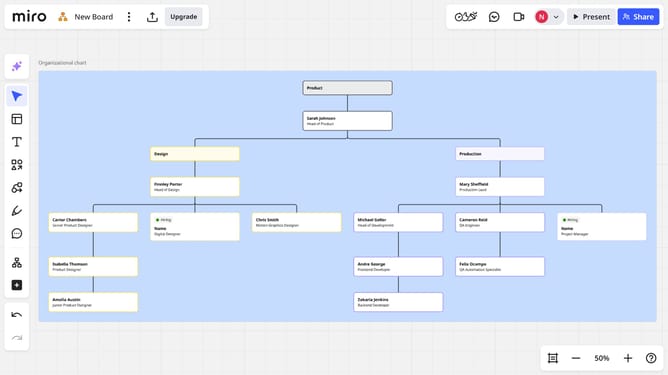
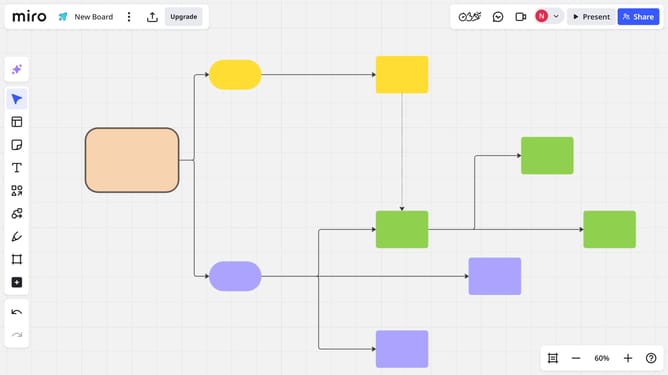
- Then from the dropdown menu, choose the object you want to convert the shape into (card, sticky note, text box, or another shape type)
- The selected shape will instantly convert into the chosen object
Why should you convert a shape into another object in a Miro board
Miro is an intuitive online collaborative whiteboard platform designed to streamline teamwork and creativity.
With the ability to convert shapes into different objects, Miro enhances flexibility within your creative process. This feature allows for seamless adaptation, helping you transform initial ideas into more refined visual representations.
Using this tool promotes efficiency, as it minimizes the need for redrawing, thus saving time and maintaining focus on your project’s objectives.
Ultimately, this feature empowers teams to iterate quickly and visualize possibilities in a dynamic way.
Last update