How to attach a comment to an object on a Miro board
Here is how to attach a comment to an object on a miro board
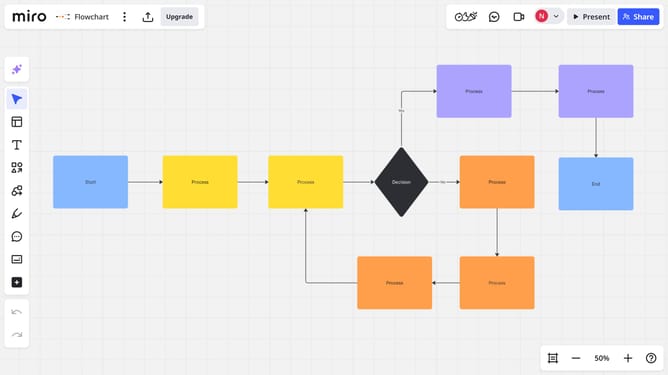
- First open your board and locate the comment you want to attach to an object
- Then click and drag the comment icon over the desired object on the board
- Finally release your mouse to place the comment on the object you want it to be attached to
Why should you attach a comment to an object on a Miro board
Miro is a dynamic online collaboration platform designed to enhance creativity and teamwork.
Attaching comments to objects on a Miro board allows team members to seamlessly provide feedback and insights directly on the item in question.
This feature not only organizes thoughts but also enhances communication efficiency, ensuring everyone is on the same page without breaking the creative flow.
By centralizing discussions, it streamlines decision-making and fosters an environment where ideas can swiftly evolve into actionable plans.
Last update