How to duplicate a Miro board
Here is how to duplicate a miro board
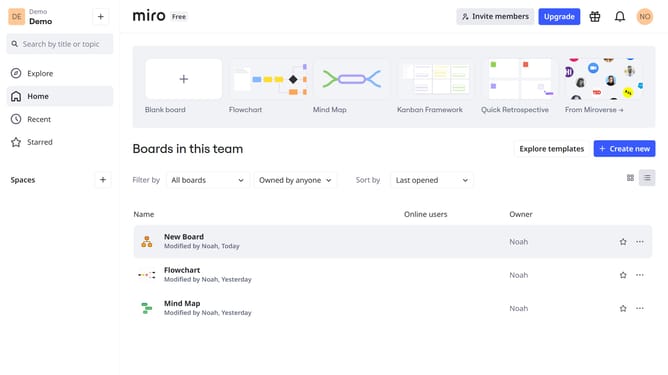
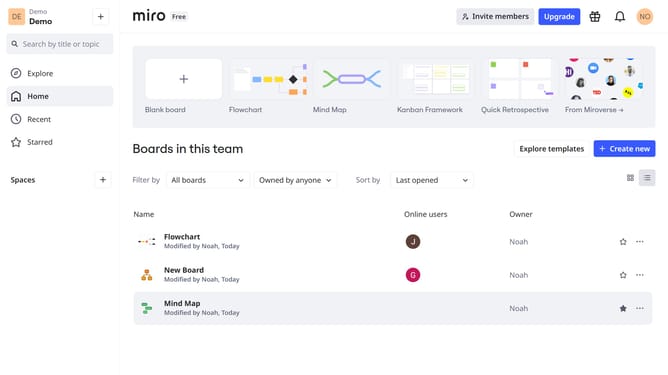
- First, go to your dashboard
- Then, find the board you want to duplicate and click the three dots (...) for more options
- Next in the dropdown menu, click on the "Duplicate" option
- In the popup window, name the duplicated board
- Finally, click "Copy" to confirm board duplication
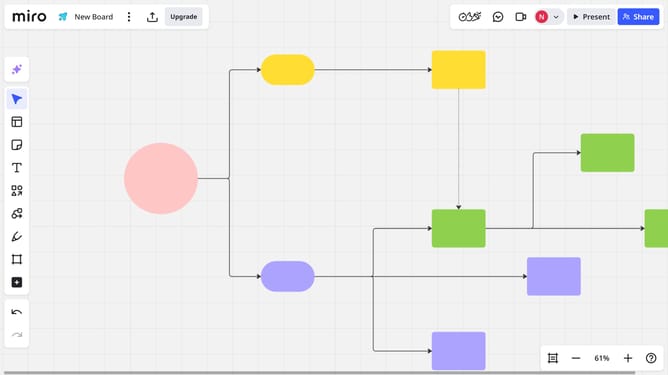
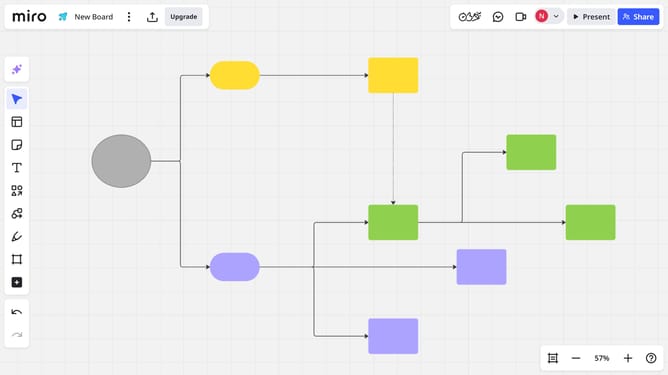
- You’ve successfully duplicated your Miro board
Why should you duplicate a Miro board
Miro is a dynamic online collaboration tool designed to help teams brainstorm ideas and visualize their projects effortlessly.
Duplicating a Miro board allows you to easily replicate successful templates or retain important elements for various projects.
This feature is invaluable for teams looking to maintain consistency in projects or rapidly create new boards without starting from scratch.
By duplicating a board, you enhance productivity, ensuring that valuable insights and well-structured layouts remain readily available for reuse.
Last update