How to set a diagram as the default view in Miro
Here is how to set a diagram as the default view in miro
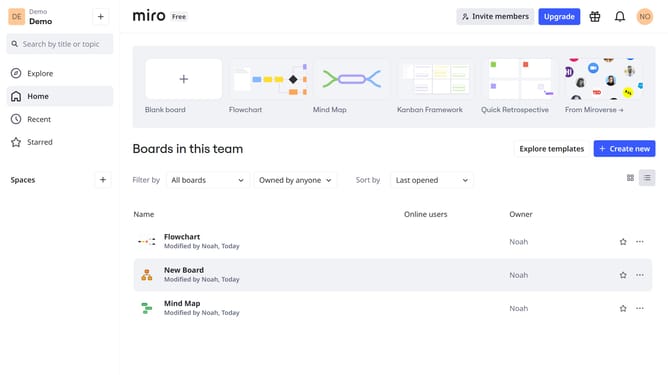
- First, click the board that contains the diagram from the board list
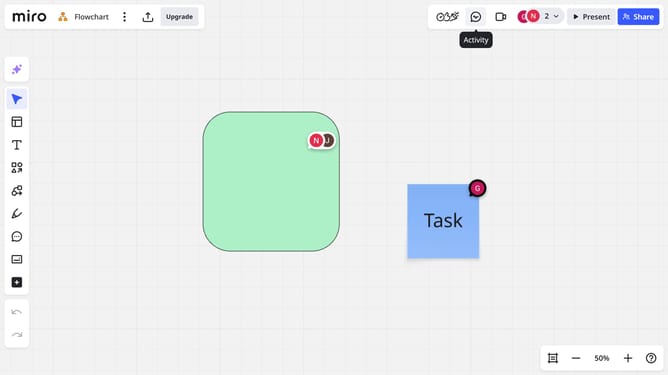
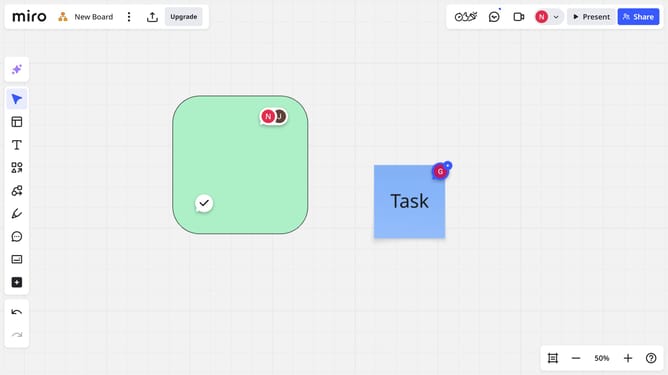
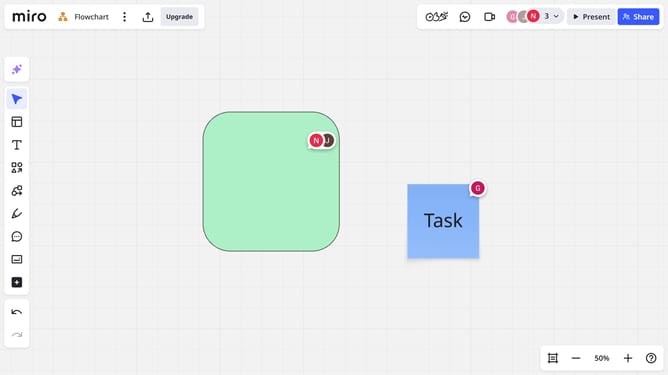
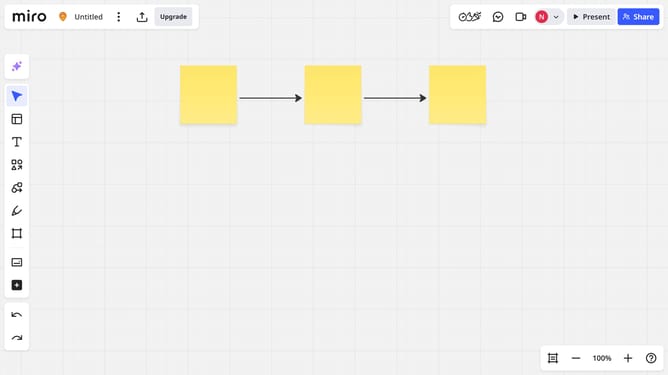
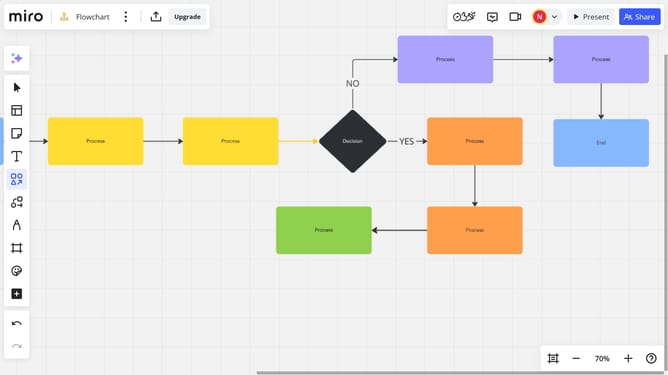
- Next locate the diagram you want to use as the default view
- Click the "More options" menu (three dots) in the diagram toolbar
- Then select the "Set as default view" option from the dropdown menu
- Finally, click the "Set default" button in the confirmation dialog
Why should you set a diagram as the default view in Miro
Miro is an intuitive visual collaboration platform designed to enhance teamwork and creativity.
Setting a diagram as the default view in Miro optimizes team accessibility, ensuring every member begins on the same page, literally and figuratively.
This feature fosters streamlined communication by providing a consistent starting point, reducing the time spent on alignment. By doing so, it enhances productivity and focus, allowing for a more unified and efficient collaboration experience.
Last update