How to choose a comment color on a Miro board
Here is how to choose a comment color on a miro board
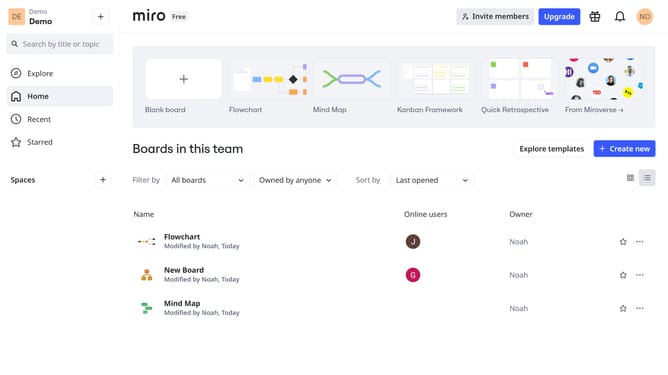
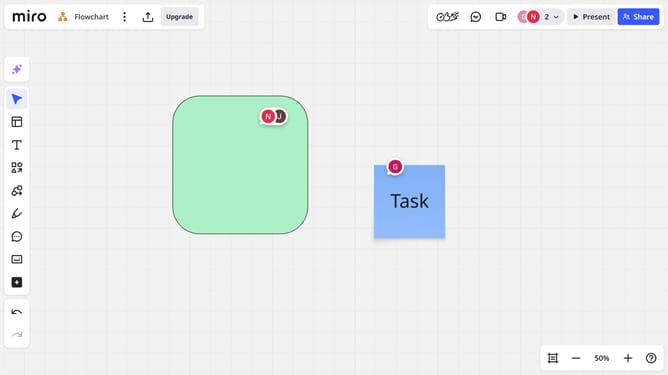
- First navigate to the Miro board that contains the comment you want to update
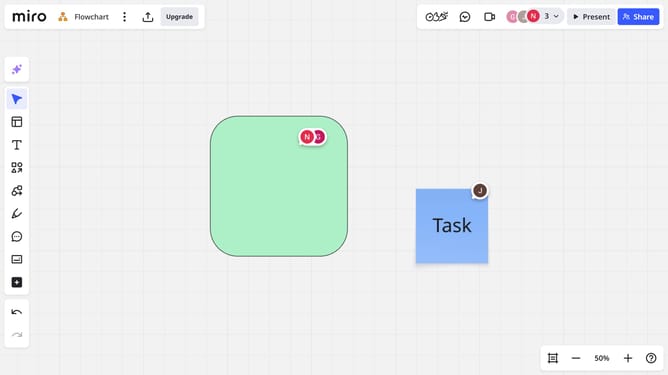
- First, locate the comment whose color you want to change and click on it to open the comment thread
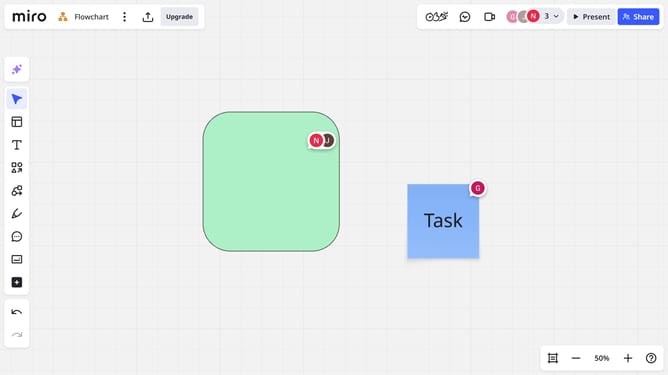
- Finally, select your preferred color from the options at the top
Why should you choose a comment color on a Miro board
Miro is an intuitive online collaboration platform that empowers teams to brainstorm, collaborate, and visualize projects effectively.
Choosing a comment color on a Miro board is a subtle yet powerful feature that enhances communication. By customizing the color of your comments, you can easily categorize feedback, making it more accessible for team members to sift through diverse perspectives and ideas.
This feature not only aids in visual clarity but also boosts productivity by fostering better organization and engagement. Tailor your collaboration experience simply by harnessing this nuanced capability.
Last update