How to pin a comment thread on a Miro board
Here is how to pin a comment thread on a miro board
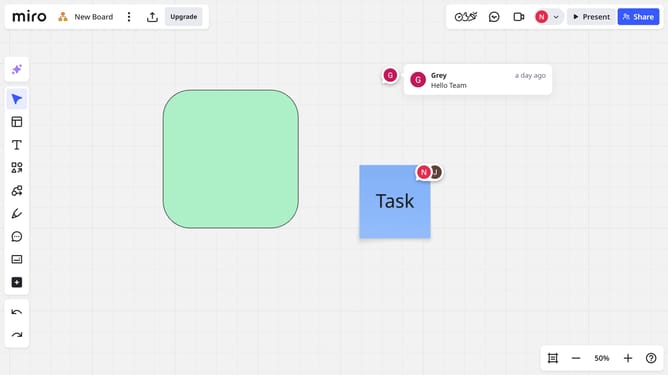
- First locate and click the comment thread you want to pin on the board
- Next click on the "More options" menu (three dots) in the top right of the comment thread
- Then click on the "Pin" option in the dropdown menu
- Once pinned, the comment thread will now stay visible on the board
Why should you pin a comment thread on a Miro board
Miro is a dynamic online collaboration platform designed to enhance teamwork and creativity.
The feature of pinning a comment thread on a Miro board plays a crucial role in ensuring important discussions remain visible and accessible. By pinning a thread, users can effortlessly keep track of key conversations without losing focus amid the board’s engaging activities.
This capability enhances collaboration by spotlighting vital feedback, facilitating seamless communication, and fostering a shared understanding among team members. Keeping essential insights front and center aids in efficient decision-making and keeps everyone aligned.
Last update