How to react to a comment with emojis on a Miro board
Here is how to react to a comment with emojis on a miro board
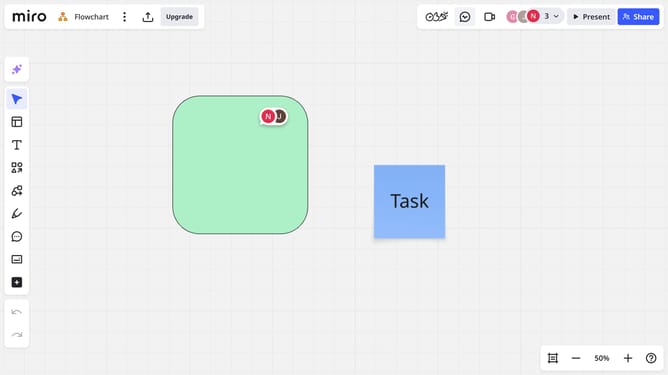
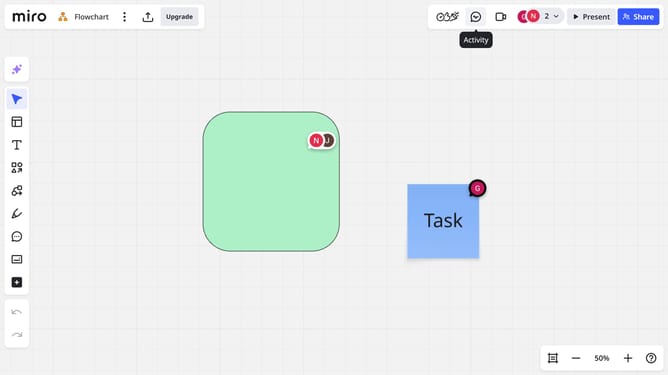
- First, locate and click the comment icon on the board
- Then in the comment thread, click the emoji icon next the comment you want to react to
- Finally choose your preferred emoji from the emoji picker panel
- Your selected emoji will appear under the comment, and others will be able to see your reaction
Why should you react to a comment with emojis on a Miro board
Miro is a dynamic online collaboration platform designed to bring teams together effortlessly.
Reacting to comments with emojis on a Miro board transforms communication into a more engaging and expressive experience.
This feature enables users to convey emotions and feedback quickly, enhancing the interactive dimension of remote collaboration.
Providing instant, visual responses can boost morale, create a lively atmosphere, and streamline feedback processes, making team interactions more vibrant and efficient.
Last update