How to view board history in Miro
Here is how to view board history in miro
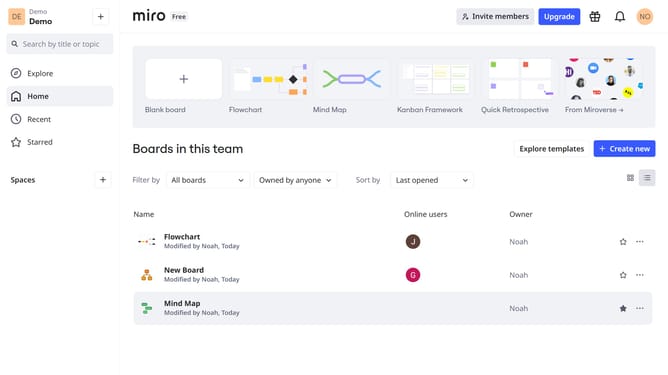
- First click the board you want to access the history from the dashboard
- Next click on the three dots menu button in the board header
- Then lick on "Board" from the dropdown menu
- Finally click on the "History" option in the submenu
- A timeline of changes will appear, showing edits made over time
Why should you view board history in Miro
Miro is an online collaborative whiteboard platform designed to foster creativity and teamwork.
Viewing board history in Miro allows users to revisit past versions of their projects. This feature is invaluable for tracking changes and understanding the evolution of ideas.
It enhances collaboration by providing transparency, enabling team members to align better on project developments.
Additionally, it helps in capturing and retaining critical insights, ensuring no valuable input is lost over time.
Last update