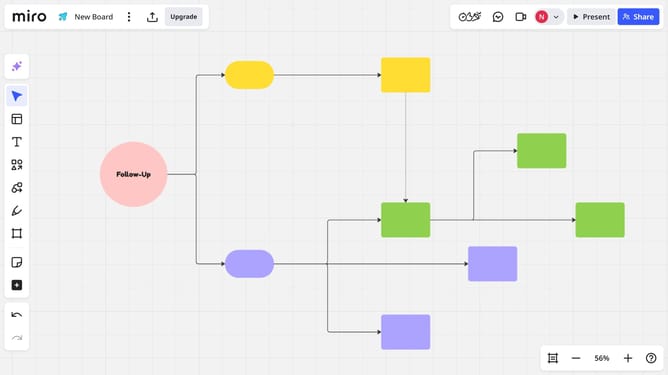
How to share a diagram via link in Miro
Here is how to share a diagram via link in miro
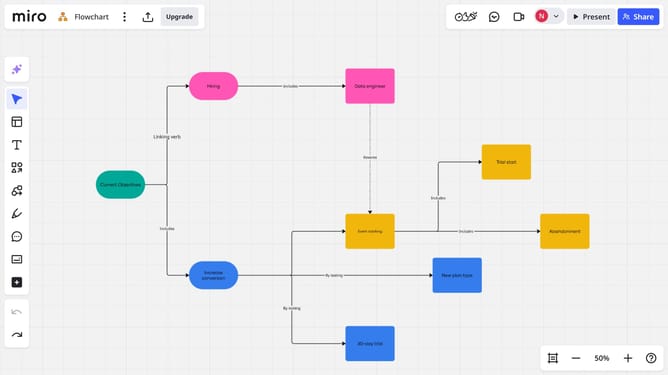
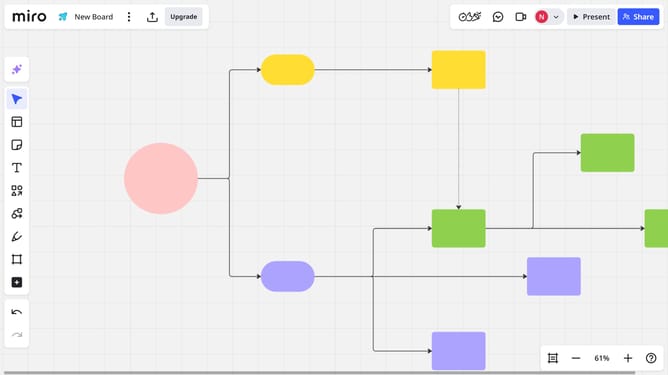
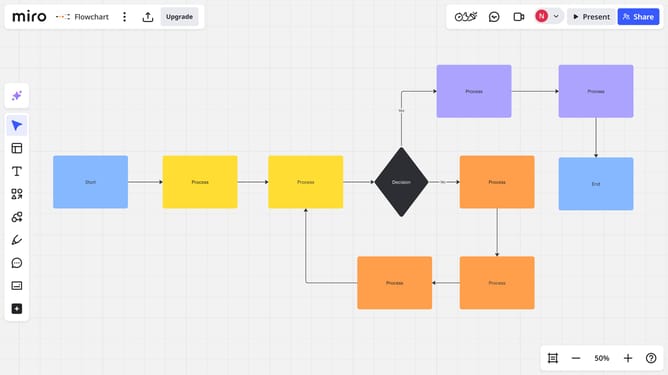
- First, locate the diagram you want to share on your board
- Next click the "More options" menu (three dots) in the toolbar
- Then click on the "Copy focus mode link" option from the dropdown menu
- The link is copied to your clipboard, you can now share it with your team or collaborators
Why should you share a diagram via link in Miro
Miro is a powerful online collaboration tool designed to bring teams together through visual collaboration.
Sharing a diagram via link in Miro is a seamless feature that enhances teamwork and collaboration. It allows users to effortlessly distribute interactive diagrams with teammates, stakeholders, or clients across the globe.
This feature ensures easy access to real-time updates and feedback, promoting a more dynamic and inclusive brainstorming process.
By simplifying sharing, Miro fosters a more productive and connected workflow for remote and in-office teams alike.
Last update