How to access the diagram format in Miro
Here is how to access the diagram format in miro
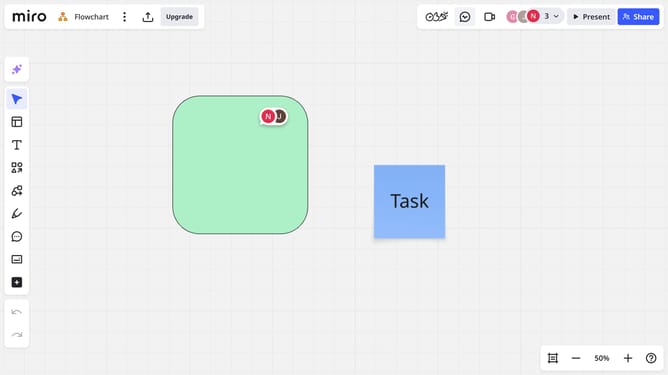
- First open a board and click on the "+" button in the left sidebar to open the tools menu
- Then click on the "Diagram" option in the tools menu
- Next click anywhere on the canvas to to place your diagram
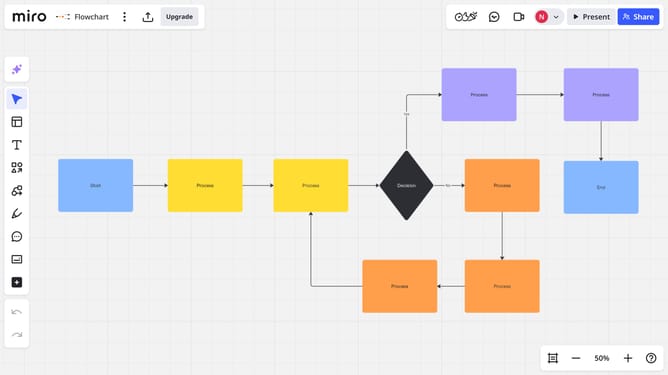
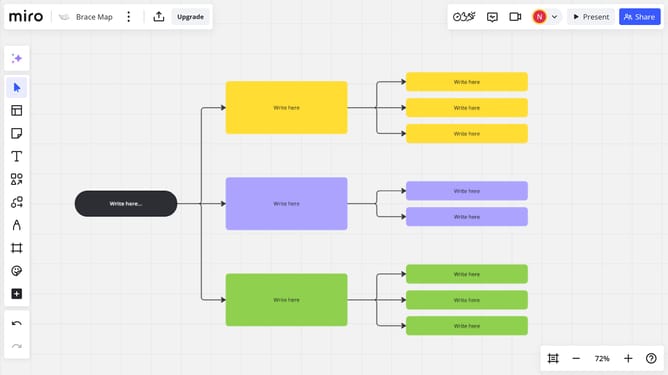
- Finally, the diagram format toolbar will appear, offering options to “Create with AI” or “Add shapes” to build the diagram manually
Why should you access the diagram format in Miro
Miro is a versatile online collaboration tool designed to enhance teamwork and creativity.
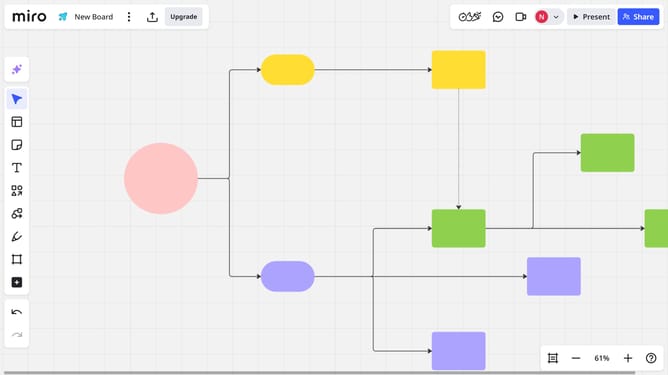
The diagram format in Miro can be accessed effortlessly, allowing users to visually represent ideas and data.
This feature enhances clarity, making complex concepts easily understandable through visual aids.
Using diagrams in Miro streamlines communication and boosts collaborative efforts, fostering innovation and efficiency within teams.
Last update