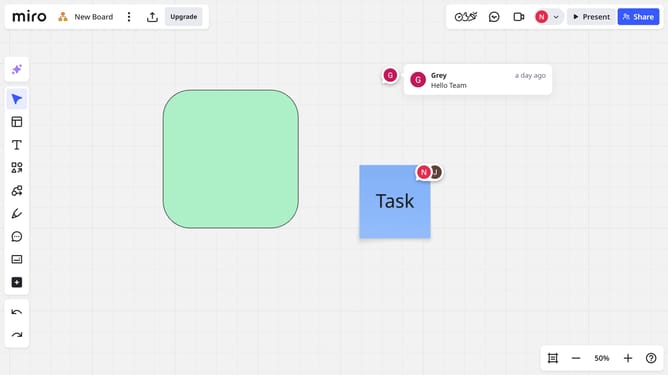
How to mark all comments as read on a Miro board
Here is how to mark all comments as read on a miro board
- First open your board and click on the "Activity" icon in the top toolbar
- The Comments panel will appear, showing all comments on the board
- Then click the "Settings" icon
- Finally click on the "Mark all as read" button in the expanded comments menu
Why should you mark all comments as read on a Miro board
Miro is a dynamic online collaboration platform designed to streamline teamwork across digital spaces.
The feature that allows users to mark all comments as read on a Miro board enhances productivity by helping to maintain a clear view of new feedback and discussions.
This ensures that every member is caught up quickly, reducing unnecessary delays in project progression.
By utilizing this feature, teams can effectively focus on prioritizing tasks and maintaining seamless communication, ultimately fostering a more cohesive workflow.
Last update