How to adjust the opacity of a shape in a Miro board
Here is how to adjust the opacity of a shape in a miro board
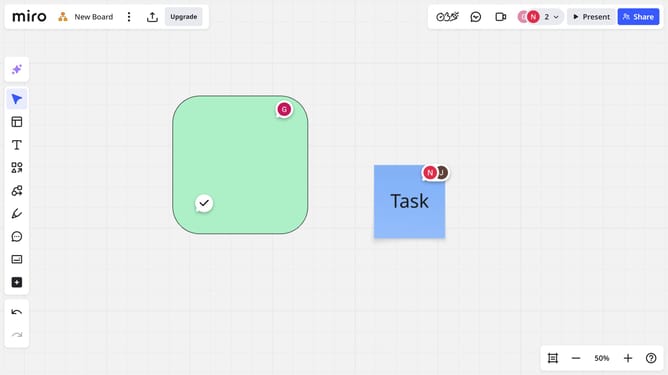
- First click to select the shape you want to modify
- Next click on the color picker icon in the toolbar that appears
- Then from the color palette popup, locate the "Opacity" slider
- Finally drag the slider left to make the shape more transparent, or right to make it more opaque
Why should you adjust the opacity of a shape in a Miro board
Miro is a versatile online collaborative whiteboard platform designed to enhance teamwork and creativity.
One of its standout features includes the ability to adjust the opacity of shapes on a board. Altering the opacity can help in layering visuals, making essential information pop or blend backgrounds seamlessly.
Using transparency effectively is crucial for building clear, organized presentations within a shared workspace, allowing team members to focus on what truly matters.
Last update