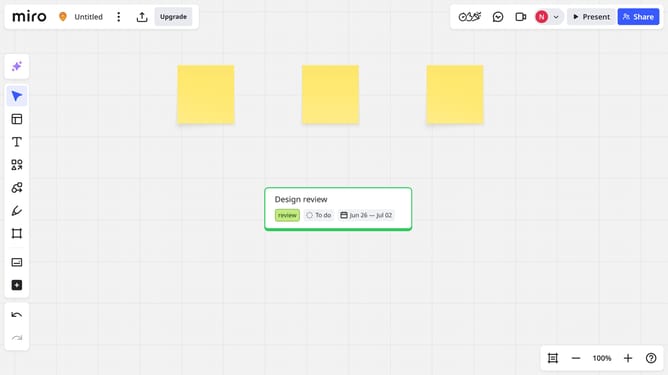
How to copy and paste text style on a Miro board
Here is how to copy and paste text style on a miro board
- First locate and click the text box with the style you want to copy
- Next click on the "More options" button (three dots) in the text toolbar
- Click on "Copy style" option from the dropdown menu
- Then, select the target text box you want to apply the same style to
- Next click on the "More options" button (three dots) in the text toolbar
- Finally click on "Paste style" option from the dropdown menu to apply the copied formatting
- The selected text now matches the style of the original text box
Why should you copy and paste text style on a Miro board
Miro is an intuitive online collaboration platform designed to help teams brainstorm, share ideas, and bring projects to life.
One standout feature is the ability to copy and paste text styles, allowing for seamless formatting consistency across your board. This promotes a unified visual language, essential for clarity and professionalism.
By effortlessly maintaining style uniformity, collaboration becomes smoother and more efficient, ensuring that all team members are on the same page and reducing the risk of misalignment in your project.
Last update