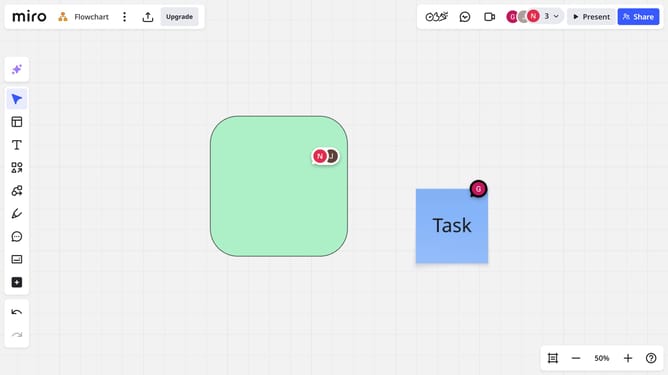
How to access board history in Miro
Here is how to access board history in miro
- First click the board you want to access the history from the dashboard
- Next click on the three dots menu button in the board header
- Then lick on "Board" from the dropdown menu
- Finally click on the "History" option in the submenu
- A timeline of changes will appear, showing edits made over time
Why should you access board history in Miro
Miro is a dynamic collaborative platform designed to empower teams to brainstorm and create visually engaging projects together.
Accessing the board history in Miro allows users to revisit every evolution of their board, ensuring that no creative idea or critical change is ever lost. This feature is perfect for teams who value transparency and want to reflect on the project's journey, capturing every brainstorming session and strategy meeting.
By examining past iterations, users gain insights into their collaborative processes, streamline decision-making, and identify the impactful elements that led to success. It enhances teamwork by allowing everyone to see and learn from each step taken. The ability to access board history is a fundamental aspect of productive collaboration with Miro.