How to export cards in a Miro board
Here is how to export cards in a miro board
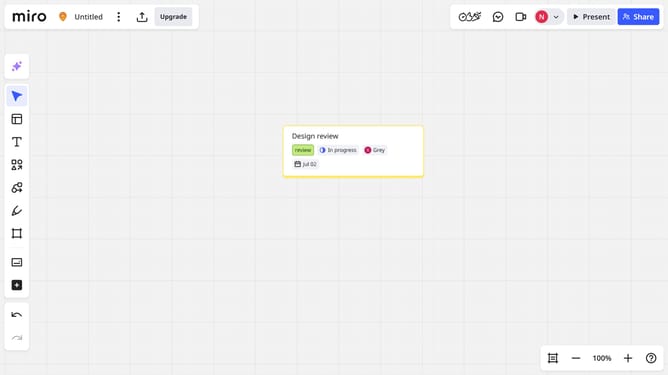
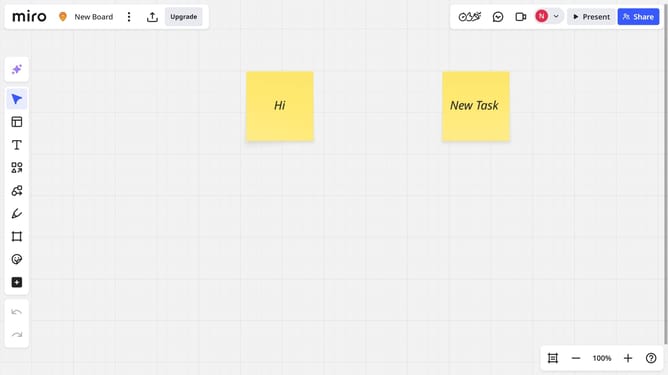
- First open a board and locate the cards you want to export
- Next, select the cards by clicking and dragging to draw a selection box around them
- Then click on the "Export" icon in the top header bar
- Finally select the "Export to spreadsheet (CSV)" option in the dropdown menu
- Miro will generate a CSV file containing all card data, which will be automatically downloaded to your device
Why should you export cards in a Miro board
Miro is a collaborative online whiteboard platform designed for team brainstorming and planning.
One key feature is the ability to export cards from your Miro board, providing flexibility in documentation and sharing.
This feature allows you to seamlessly integrate ideas with other platforms or share insights beyond the Miro ecosystem.
Exporting cards aids in capturing crucial data and facilitates ongoing collaboration by ensuring everyone stays in the loop, regardless of their preferred tools.
Last update