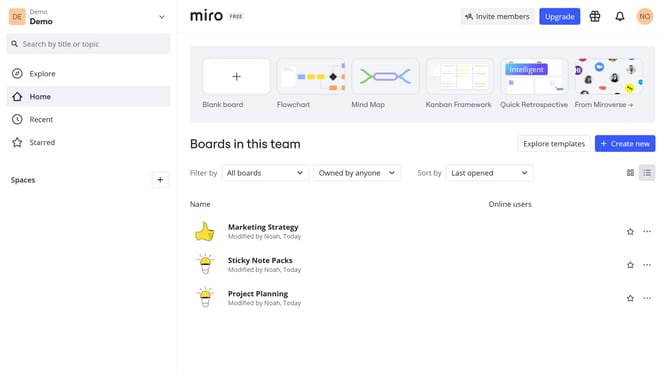
How to share a diagram in Miro
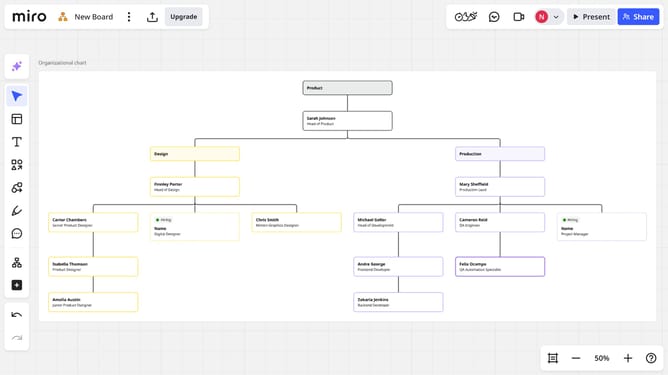
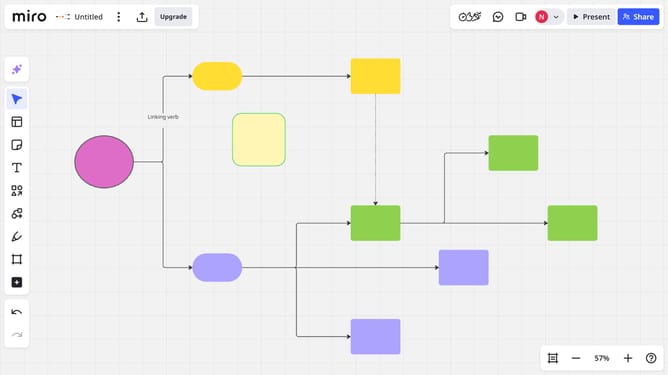
Here is how to share a diagram in miro
- First, locate the diagram you want to share on your board
- Next click the "More options" menu (three dots) in the toolbar
- Then click on the "Copy focus mode link" option from the dropdown menu
- The link is copied to your clipboard, you can now share it with your team or collaborators
Why should you share a diagram in Miro
Miro is a versatile online collaborative whiteboard platform designed to enhance team collaboration and creativity.
Sharing a diagram in Miro ensures seamless team collaboration by allowing multiple users to access and comment on the same visual model.
It aids in fostering efficient communication and boosts productivity by providing real-time updates and feedback.
This feature is essential for teams that thrive on visual collaboration, effectively bridging geographical gaps and enabling cohesive teamwork.
Last update