How to delete a Miro board
Here is how to delete a miro board
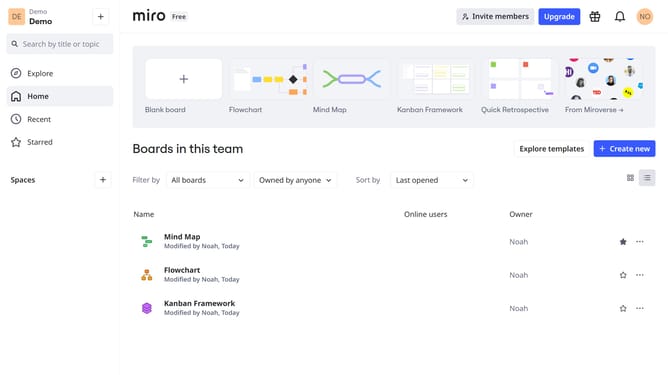
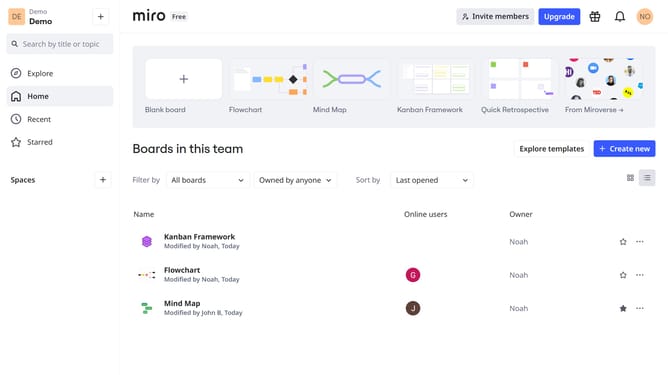
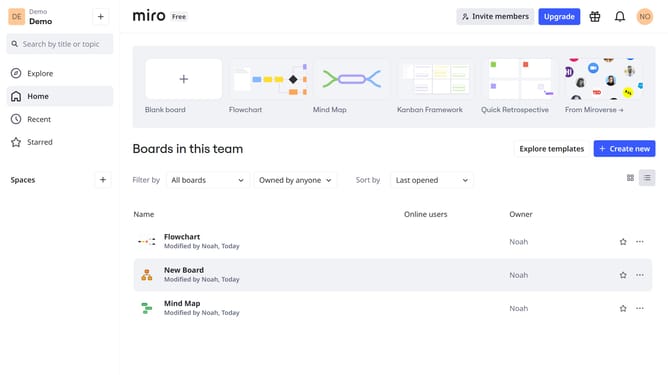
- First, go to your dashboard
- Then, find the board you want to delete and click the three dots (...)
- Select the "Delete" option from the dropdown menu
- Finally, confirm the deletion by clicking "Delete" again in the pop-up window
- Your Miro board has been successfully deleted
Why should you delete a Miro board
Miro is a dynamic online collaborative tool designed to enhance team creativity and productivity.
Having the ability to delete a Miro board is a crucial feature that helps maintain organization and focus. This function allows users to clear out unnecessary or outdated projects, ensuring that only relevant boards are accessible. Removing superfluous boards can streamline workflows and minimize digital clutter.
Furthermore, cleaning up boards can enhance team focus, making it easier to navigate and collaborate effectively. Utilizing this feature ensures that your workspace remains efficient and up-to-date.
Last update