How to invite users to a board using email addresses on Miro
Here is how to invite users to a board using email addresses on miro
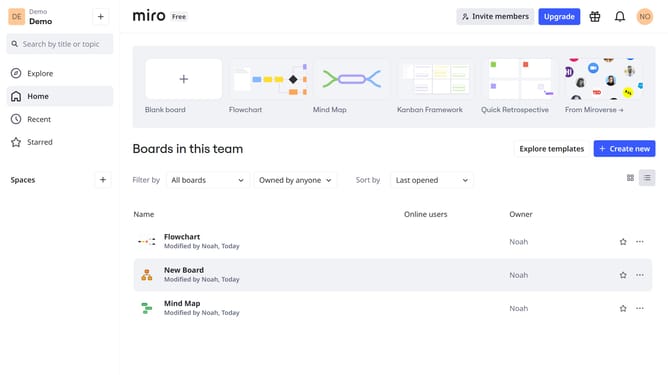
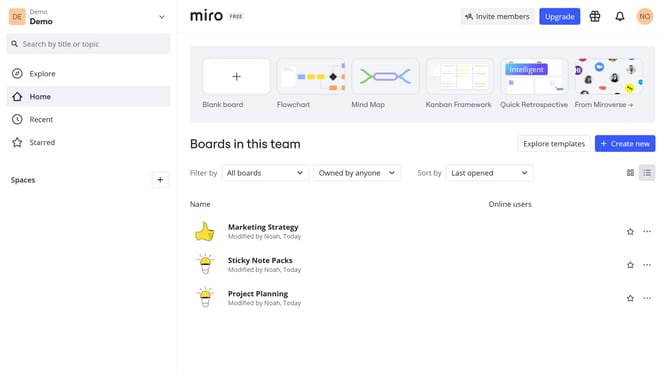
- First, go to your dashboard
- Then, find the board you want to share and click the three dots (...) next to it
- Next click on the "Share" option in the dropdown menu
- In the pop-up window, enter the email addresses of the users you want to invite
- You can choose their permission level as needed
- Add a message if needed
- Then click "Send invitations"
- The invitation has been sent successfully, and the users will receive an email with access to the board
Why should you invite users to a board using email addresses on Miro
Miro is an intuitive platform designed to enhance collaboration and streamline visual teamwork.
Inviting users to a board using email addresses on Miro is effortless and boosts collaborative efforts among team members.
This feature ensures that every contributor can easily access and engage with the project, fostering a seamless flow of ideas.
By leveraging email invites, teams can swiftly gather all necessary participants, enhancing productivity and encouraging diverse input in a dynamic environment.
Last update