How to resolve a comment thread on a Miro board
Here is how to resolve a comment thread on a miro board
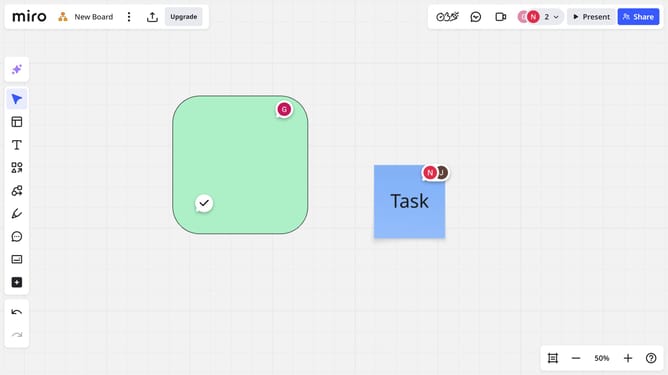
- First, locate and click on the comment thread you want to resolve to open it
- Then, turn on the "Resolve" toggle in the top-left corner of the comment box
- The comment will be marked as resolved, and the icon will disappear from the board
Why should you resolve a comment thread on a Miro board
Miro is a versatile online collaborative whiteboard designed to facilitate creative teamwork and seamless collaboration.
The feature of resolving a comment thread on a Miro board allows teams to efficiently close discussions once consensus is reached. This functionality streamlines project management and ensures that all team members are aligned as tasks progress.
By resolving a comment thread, teams can maintain a clutter-free workspace, prioritize ongoing conversations, and increase productivity by focusing on the next steps.
Last update