How to move a shape on a Miro board
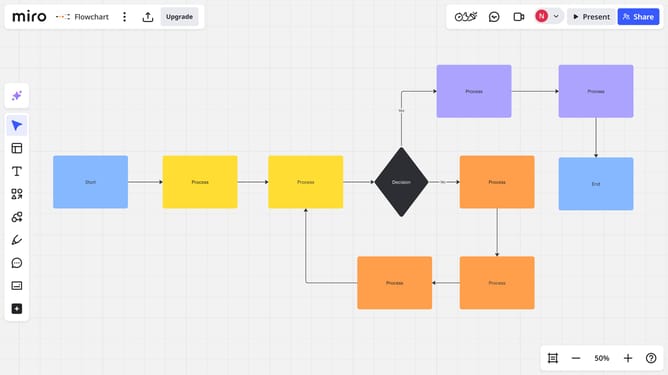
Here is how to move a shape on a miro board
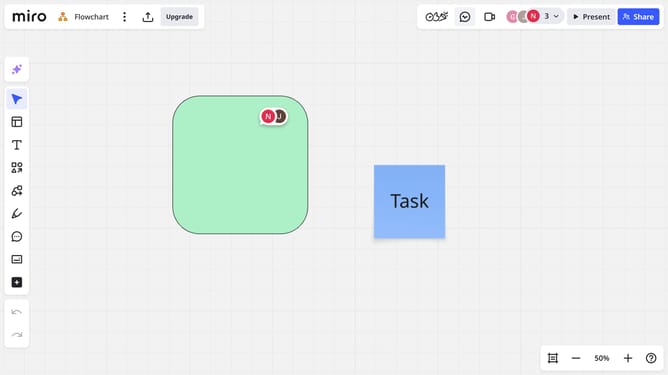
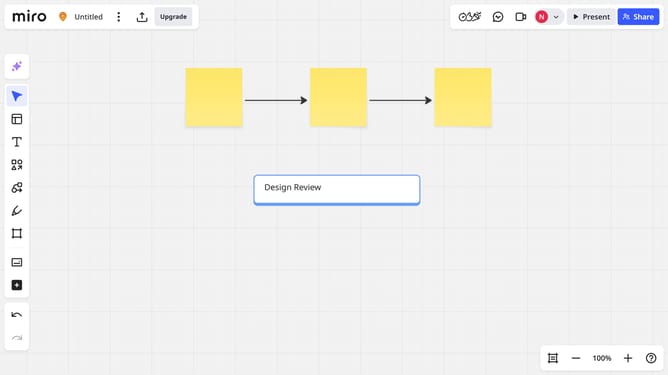
- First, open your board and select the shape you want to move
- Then click and drag the shape to the desired location on the board
- Release the mouse button to place the shape in its new position You’ve successfully moved a shape on your Miro board
Why should you move a shape on a Miro board
Miro is a versatile digital collaboration tool designed to streamline idea sharing and project visualization.
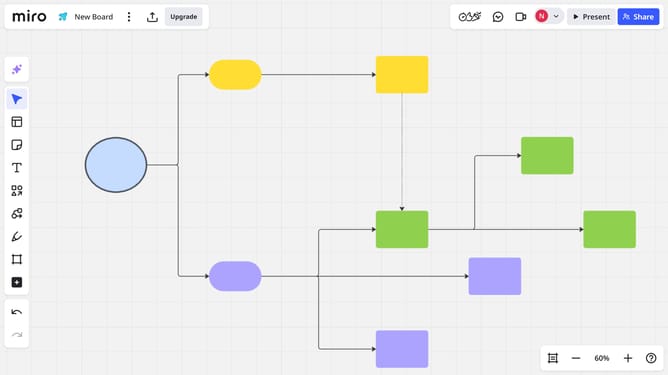
One of Miro's powerful features is the ability to move shapes effortlessly across the board. This dynamic functionality allows users to reorganize thoughts and strategies with ease, fostering greater understanding among team members. The fluidity with which shapes can be relocated encourages experimentation and innovation.
Additionally, moving shapes on a Miro board enhances efficiency, enabling users to swiftly adapt to evolving ideas and project requirements. This adaptability is key in maintaining a productive and creative workspace, where ideas flow freely and collaboration thrives.
Last update