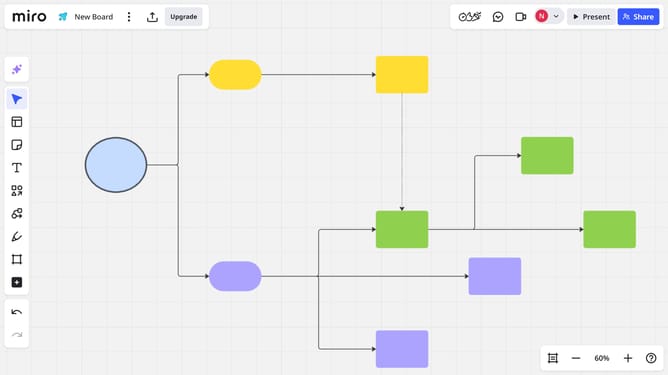
How to create a Miro board from a template
Here is how to create a miro board from a template
- First, go to your dashboard
- Then click "Create new"
- Next click "Explore templates" in the dropdown menu
- Browse or search for the template you want
- Select the template that suits you
- Click "Preview" to view more information about the template
- Finally click "Use template" on the template preview page
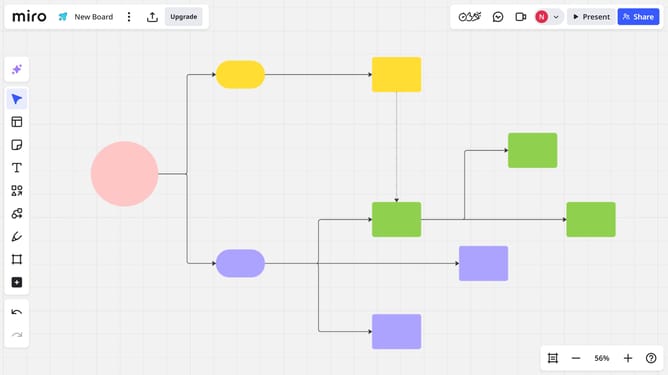
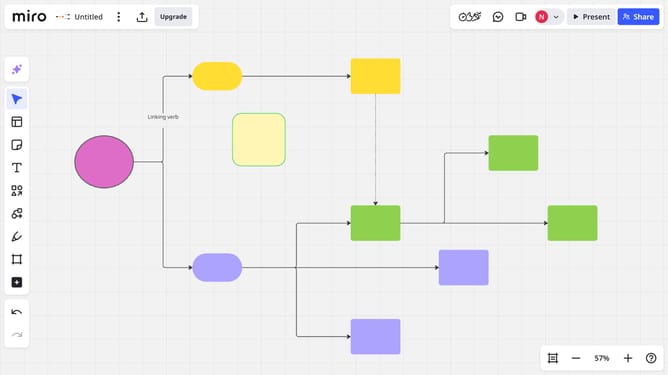
- The new board will open with the template applied. You’ve successfully created a Miro board from a template
Why should you create a Miro board from a template
Miro is an intuitive virtual collaboration tool designed to facilitate teamwork and creativity.
Creating a Miro board from a template offers a streamlined approach to productivity by providing a ready-to-use framework tailored to various tasks.
Templates can help you quickly organize brainstorming sessions, project plans, or team meetings, saving time and ensuring consistency.
Using templates also promotes clarity and focus, allowing teams to spend more time on innovation rather than setup.
Last update