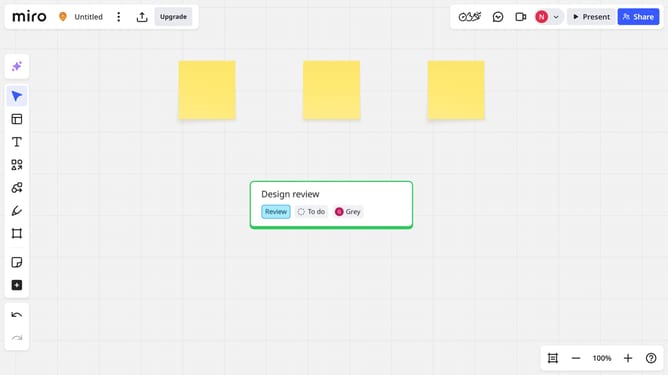
How to add a comment on a Miro board
Here is how to add a comment on a miro board
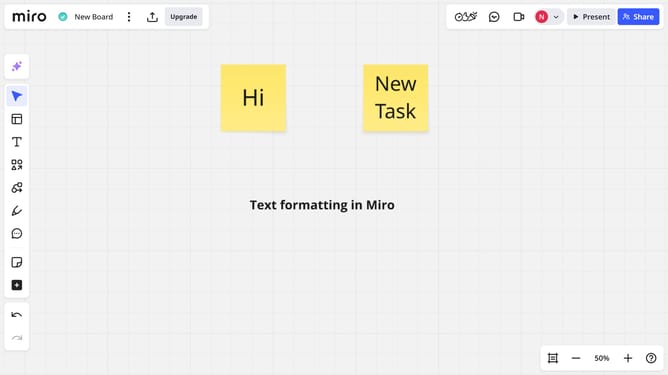
- First, open your board and click the “Comments” icon in the left sidebar, or press the C key on your keyboard
- Next click anywhere on the board or on a specific object where you want to place the comment (sticky note, shape, image, etc.)
- Then a comment box will appear. Type your message in the box
- Finally, click the blue "Send" button or press "Enter" to post the comment
- The comment will now be attached to that location or object and visible to all collaborators
Why should you add a comment on a Miro board
Miro is a dynamic online collaboration tool designed to facilitate seamless teamwork and creativity.
Adding a comment on a Miro board enhances communication by providing team members with a straightforward method to offer feedback, share ideas, and ask questions directly on the board.
This feature is particularly beneficial as it streamlines discussions, allowing users to maintain an ongoing dialogue without disrupting the creative flow.
By utilizing comments effectively, teams can improve project clarity, foster collaboration, and ensure all voices are heard.
Last update