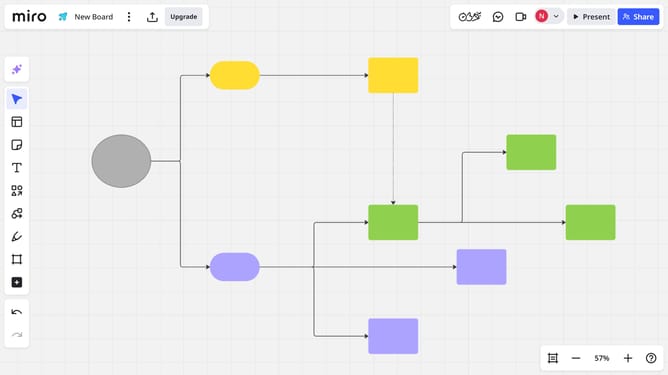
How to create a diagram format from an existing diagram in Miro
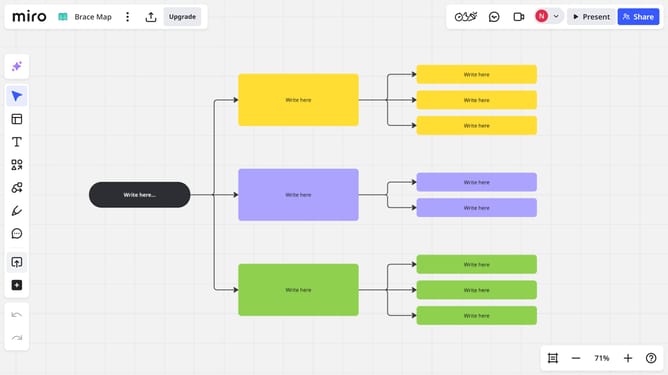
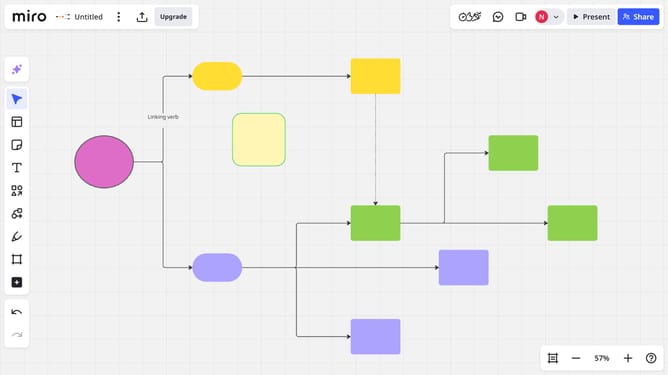
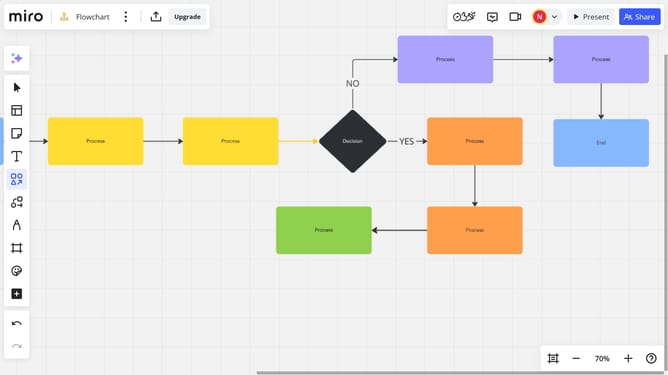
Here is how to create a diagram format from an existing diagram in miro
- First open the board containing your existing diagram
- Next use your mouse to select all elements that form your diagram
- Then click on the "Create Diagram" icon in the floating toolbar
- Finally miro will automatically convert the selected elements and their connections into a Diagram format
Why should you create a diagram format from an existing diagram in Miro
Miro is an intuitive online collaborative whiteboard tool designed to boost creativity and streamline teamwork.
Transforming an existing diagram into a new format in Miro is a feature that supports adaptability and optimization in your workflow.
This functionality enhances productivity by allowing users to effortlessly reshuffle ideas and structure information, which is crucial for dynamic team environments where flexibility is key.
By reimagining your diagram, you gain clarity and can communicate concepts more effectively, fostering better understanding and engagement among team members.
Last update