How to reorder custom fields in Trello
Here is how to reorder custom fields in trello
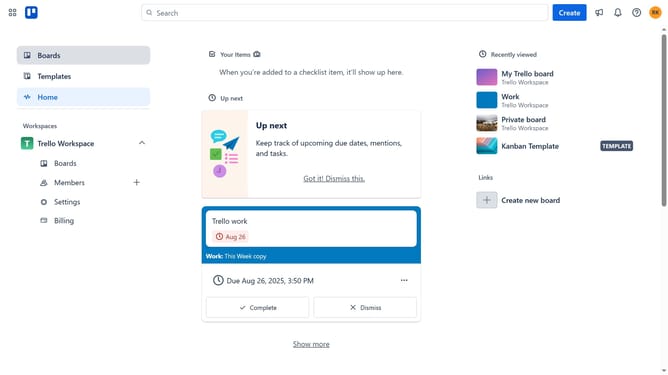
- First click on the board where you want to reorder the custom field in the workspace dashboard
- Then click on the "More options" menu button in the top-right corner of the board
- Next click on "Custom Fields" option in the board menu
- Then click and hold the six dots icon next to the custom field you want to reorder
- Finally click "Move up" or "Move down" to reorder it in your preferred position
Why should you reorder custom fields in Trello
Trello is a dynamic tool designed for seamless project management and collaboration.
With the ability to reorder custom fields, it enhances user experience by allowing personalization that matches your workflow's unique demands.
By organizing custom fields, you streamline your Trello boards, making them visually appealing and more efficient to navigate.
This feature ensures that essential information captures your attention immediately, fostering productivity and clarity in managing tasks.
Last update