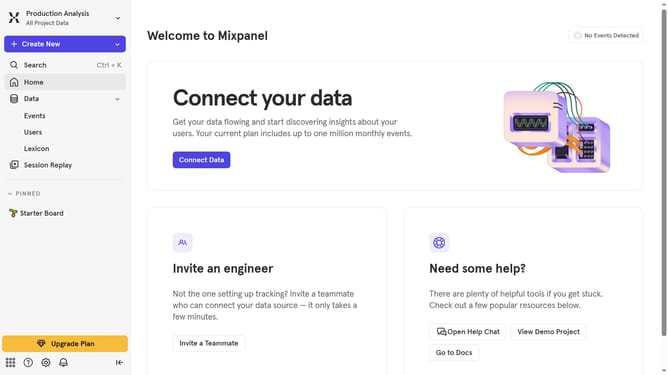
How to reconnect Airship in Mixpanel
Here is how to reconnect airship in mixpanel
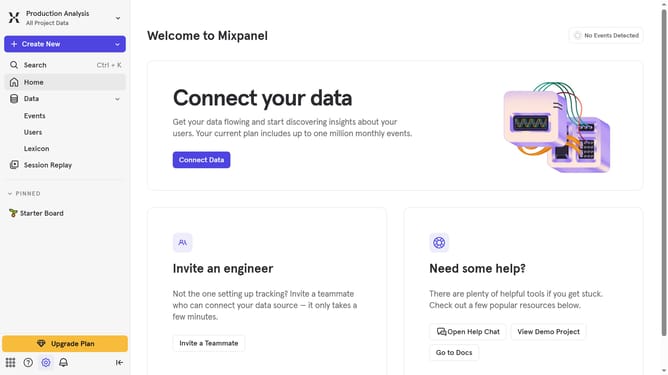
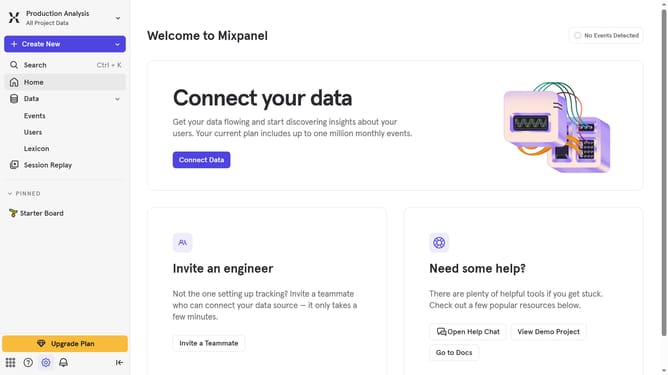
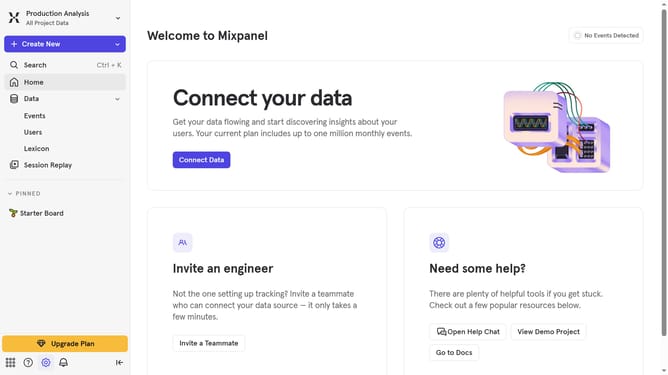
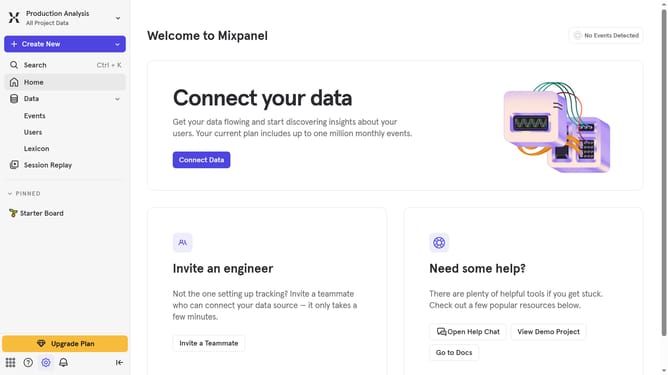
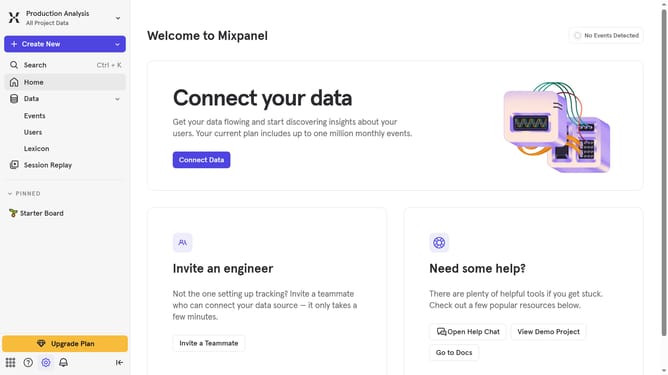
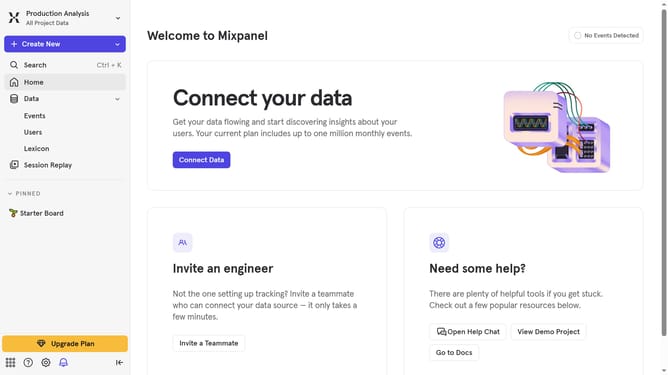
- First click on the gear icon in the left sidebar
- Then select "Integrations" from the menu that appeared
- Next, scroll down to view more options
- Click on the "Airship" integration option
- Then click on the "Re-connect" button
- After that, click the "ACCESS TOKEN" input field and type in the access token
- Then select "Select a Datacenter to export to" dropdown
- Next, select your preferred data center option from the dropdown
- Finally, click on the "Continue" button
Why should you reconnect Airship in Mixpanel
Mixpanel is a powerful analytics platform designed to help businesses understand user behavior and drive growth.
Reconnecting Airship in Mixpanel enhances your data capabilities by seamlessly integrating push notifications with user engagement analytics.
This feature allows you to maintain the flow of critical insights, enhancing targeted communication and ensuring continuity of your marketing efforts.
Utilizing this integration, you can better align your marketing strategies to meet user needs, leading to improved user retention and satisfaction.
Last update